Use code "LAUNCH20" for 20% discount!
Use code "LAUNCH20" for 20% discount!
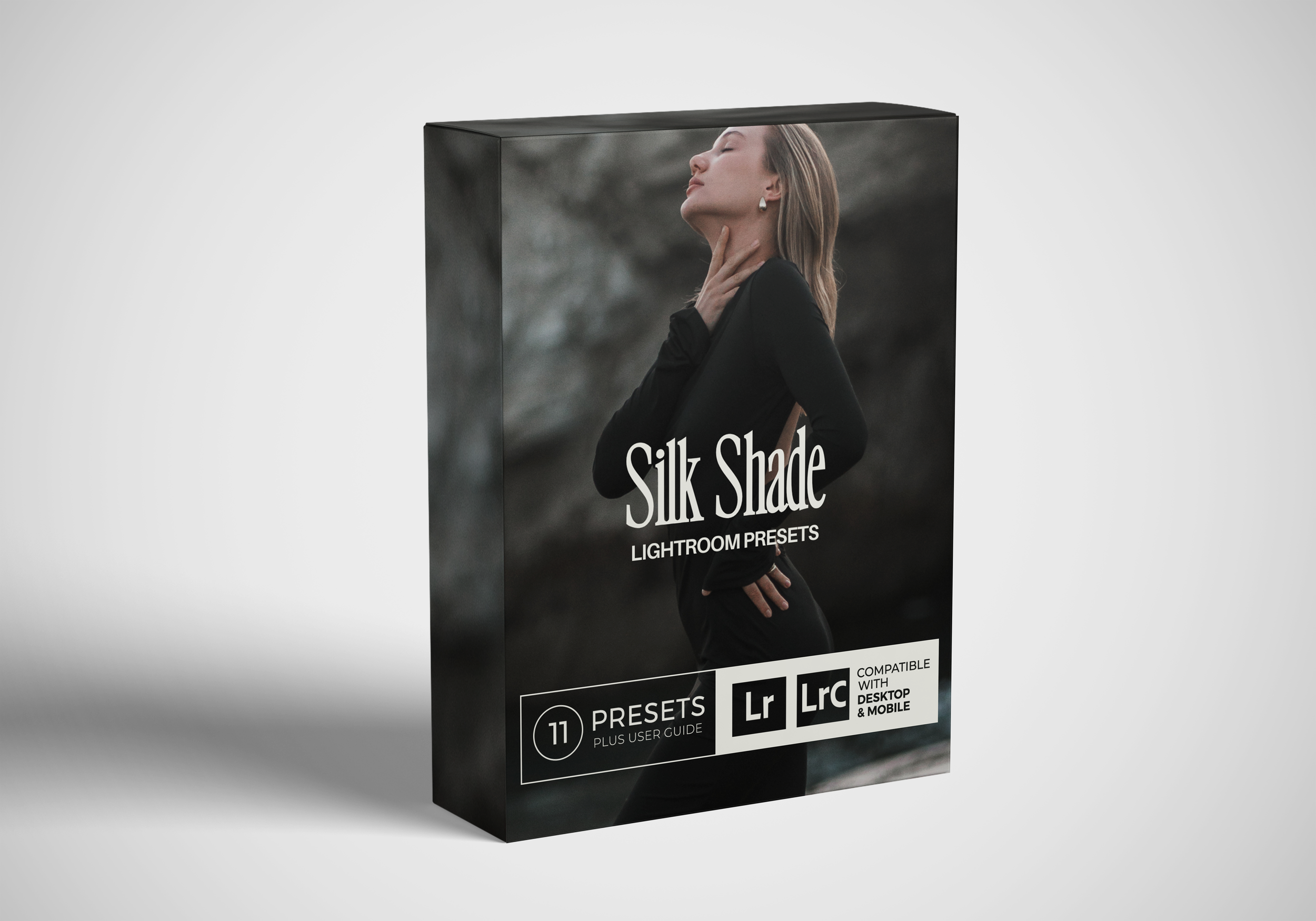
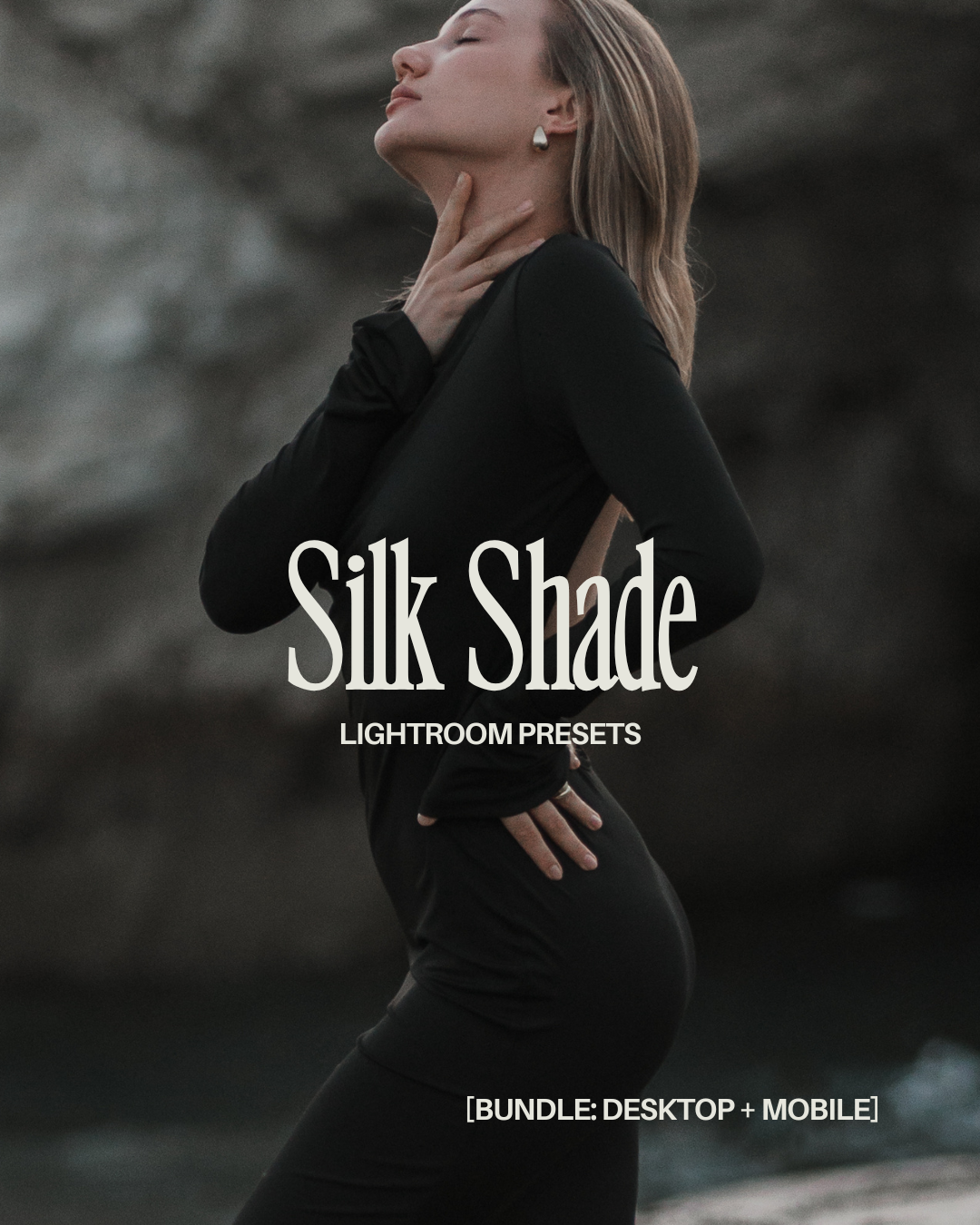
the SilkShade Preset Pack:
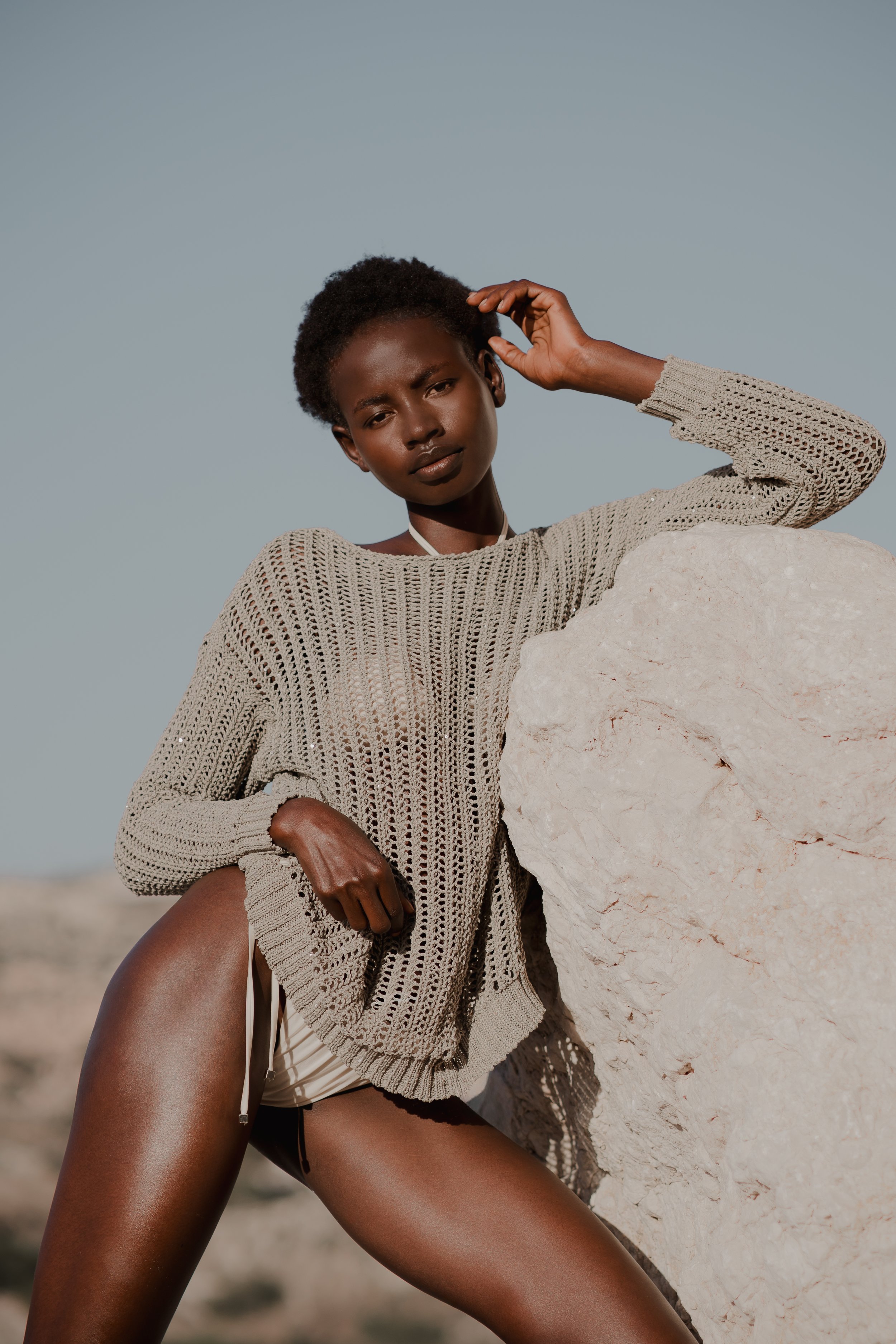
Soft, cinematic color with real skin tones.
Instant download
One‑click install guide included
Mobile (.dng) - iOS & Android
Desktop (.xmp) - Lightroom Classic 7.3+
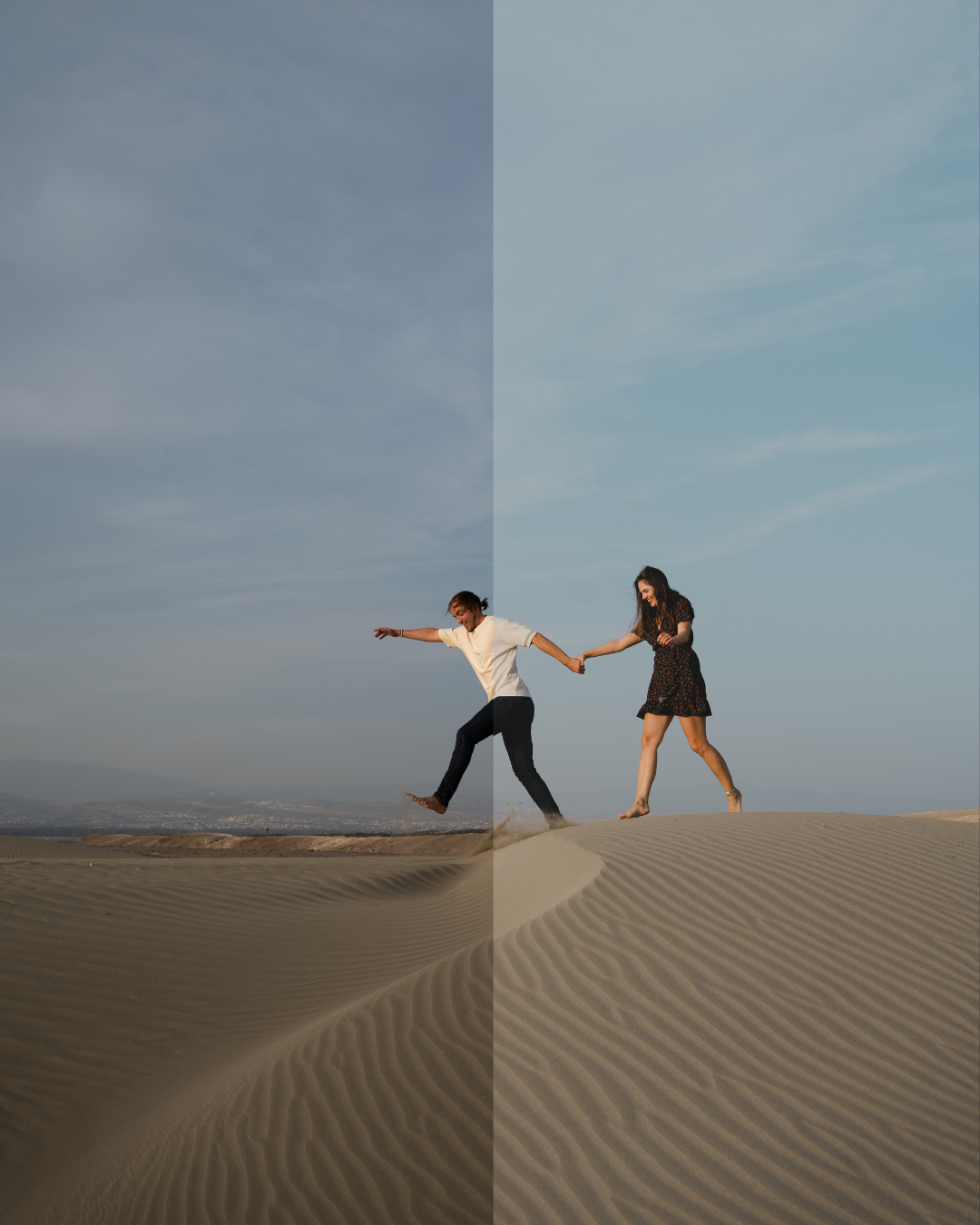
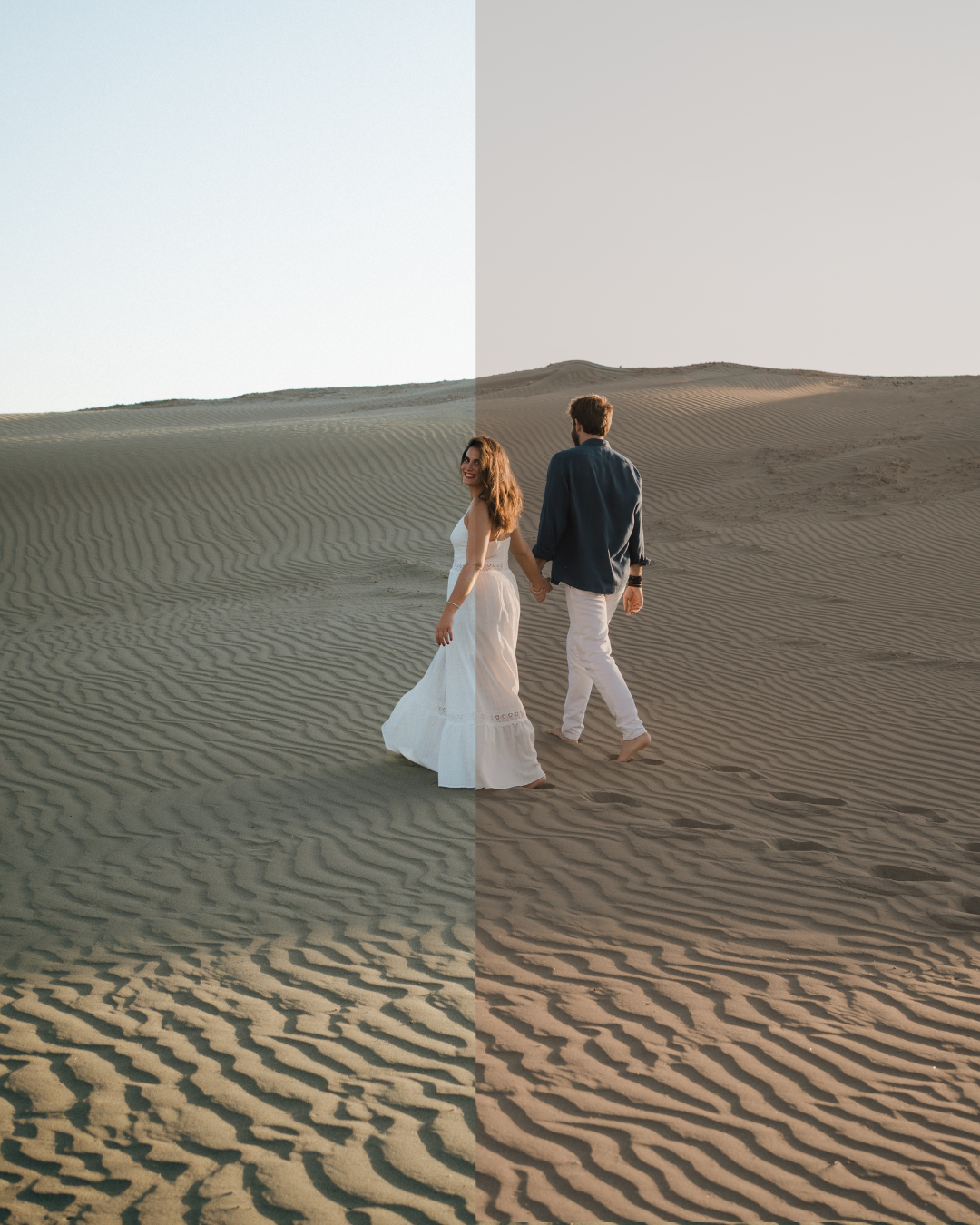
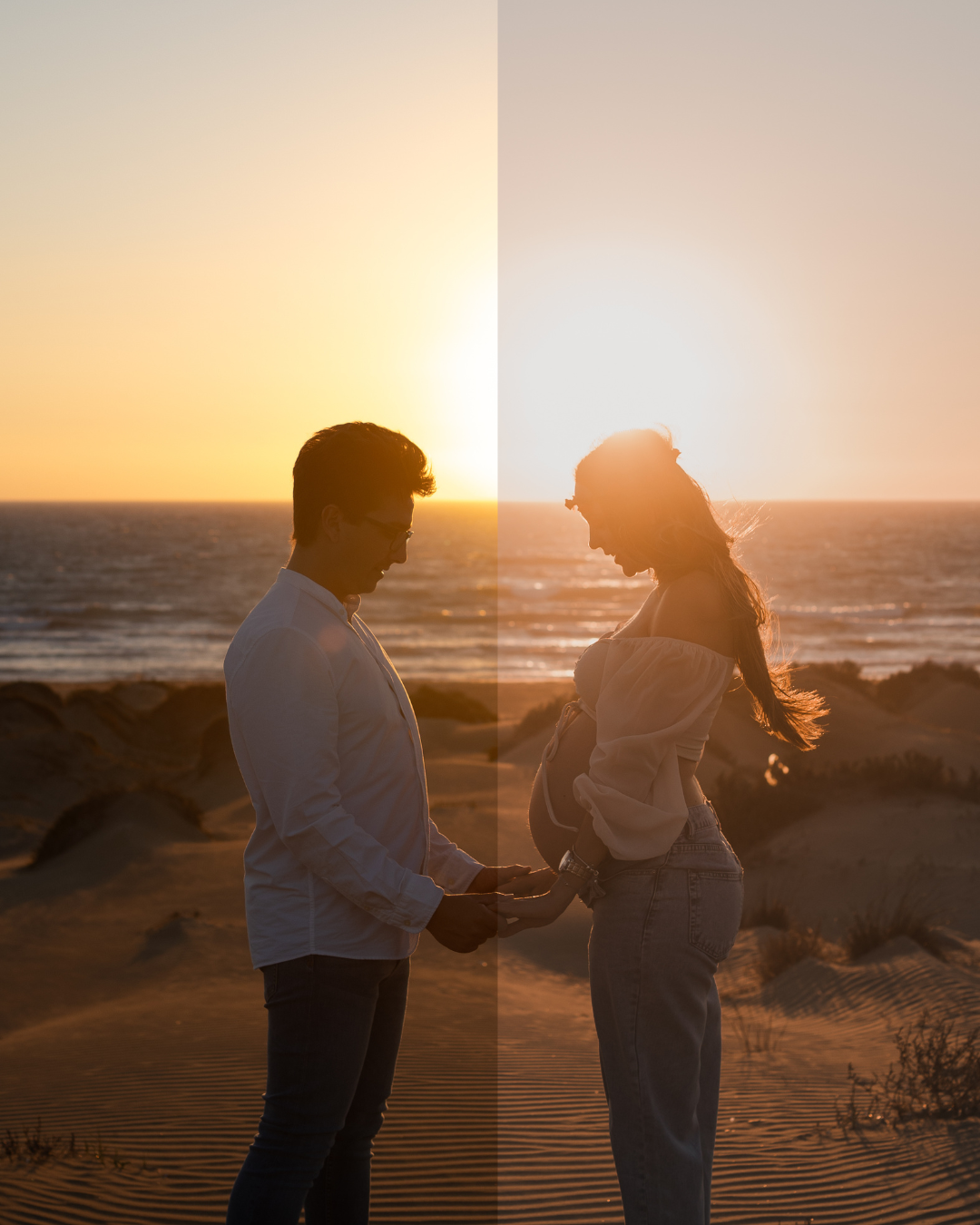
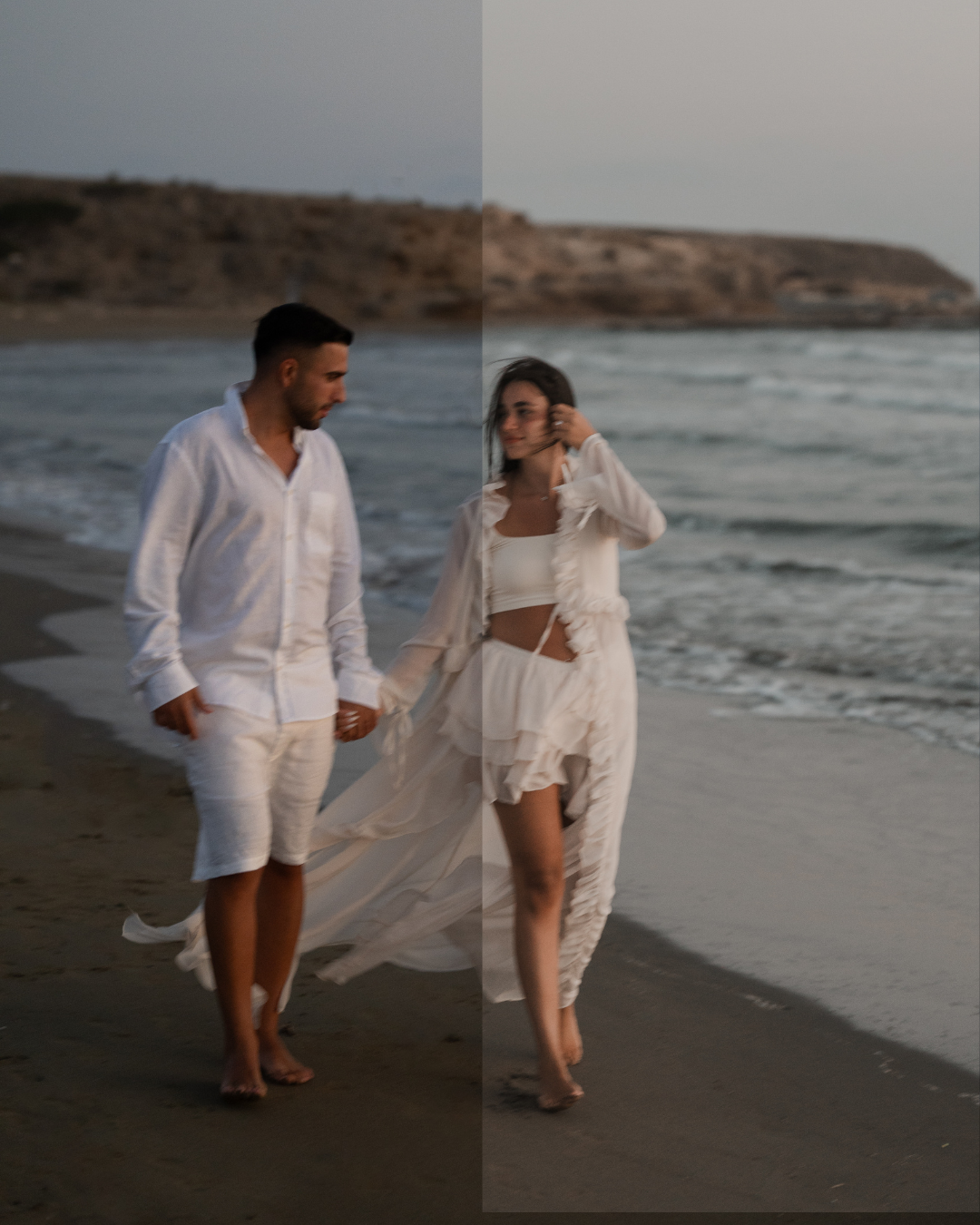
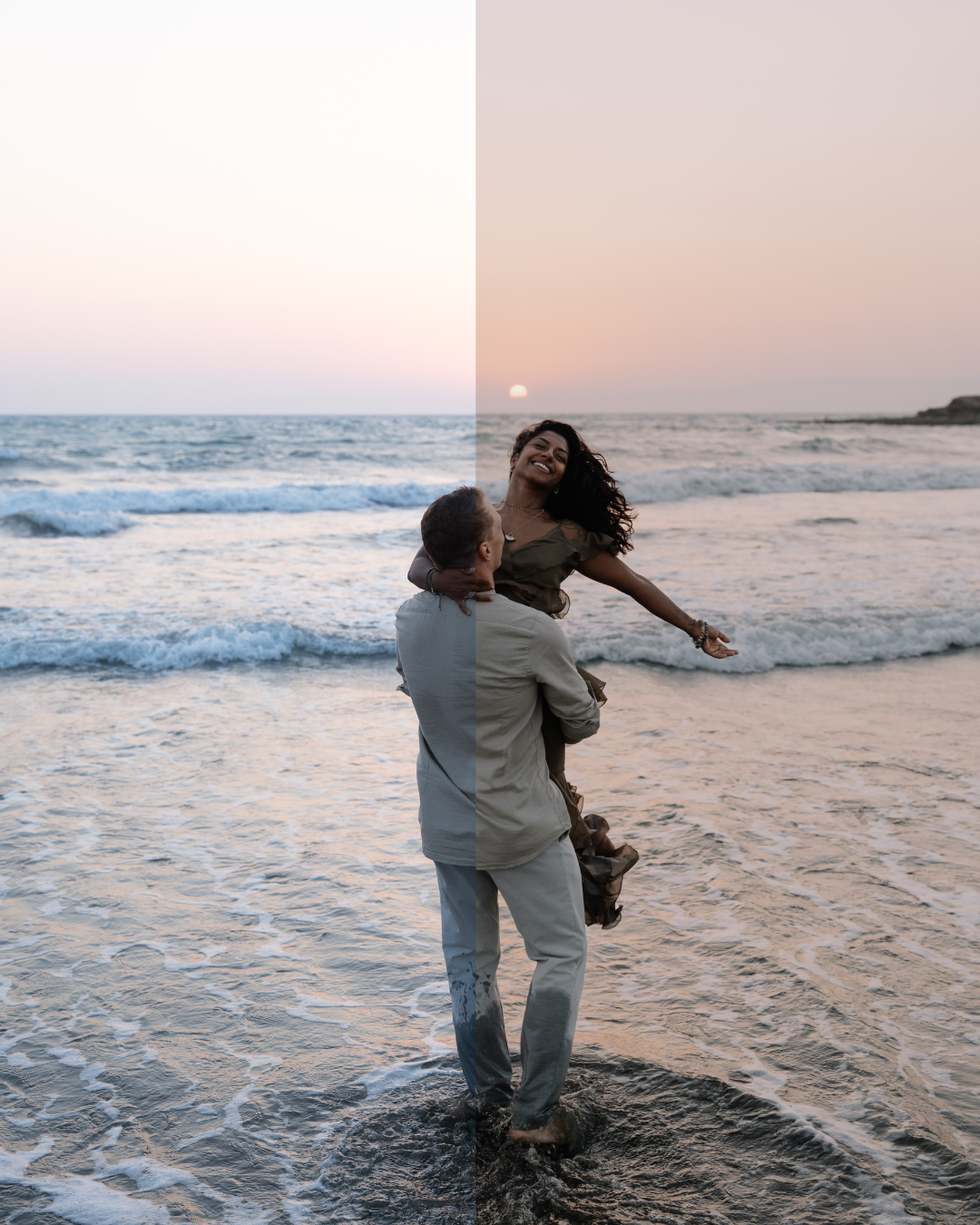
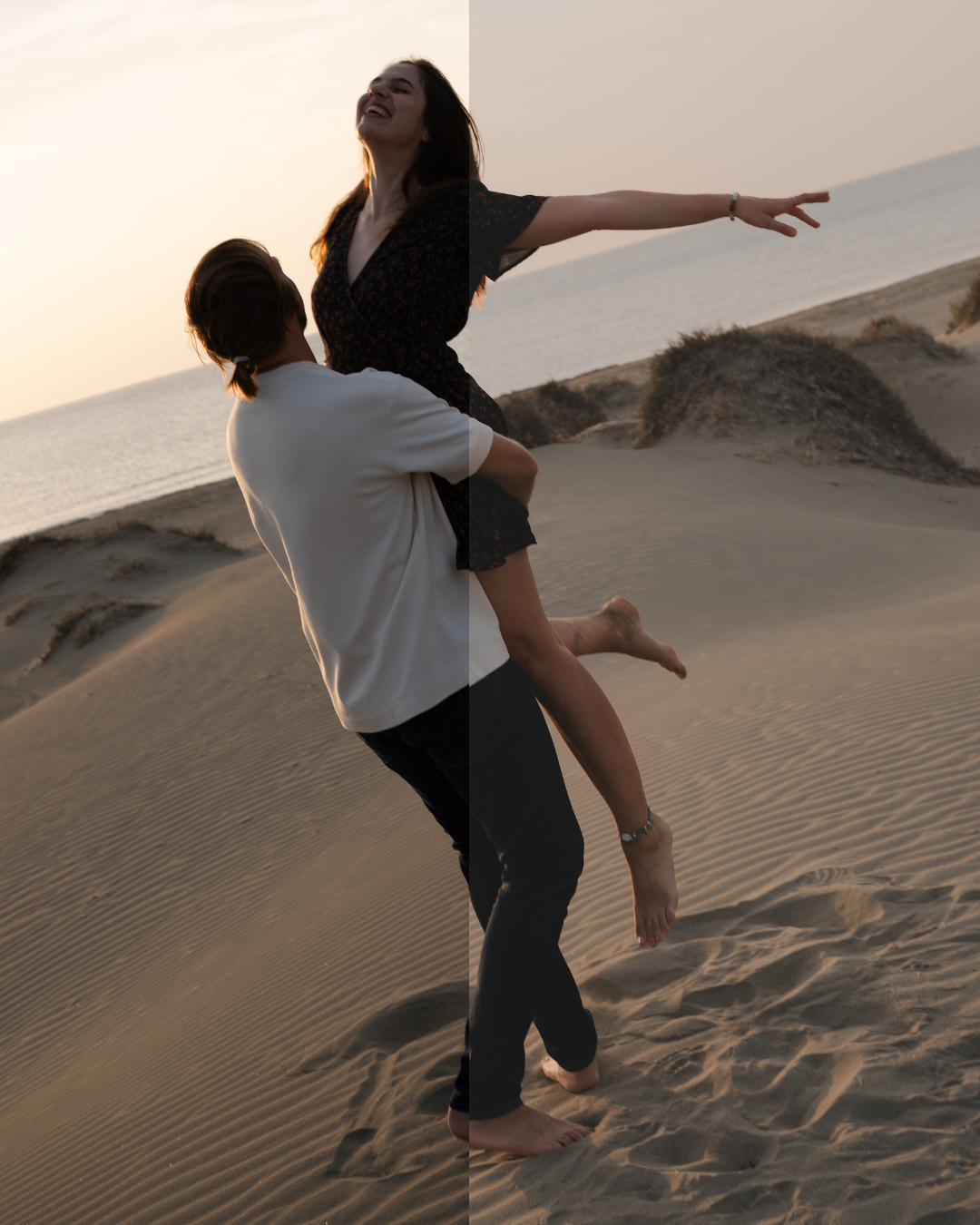
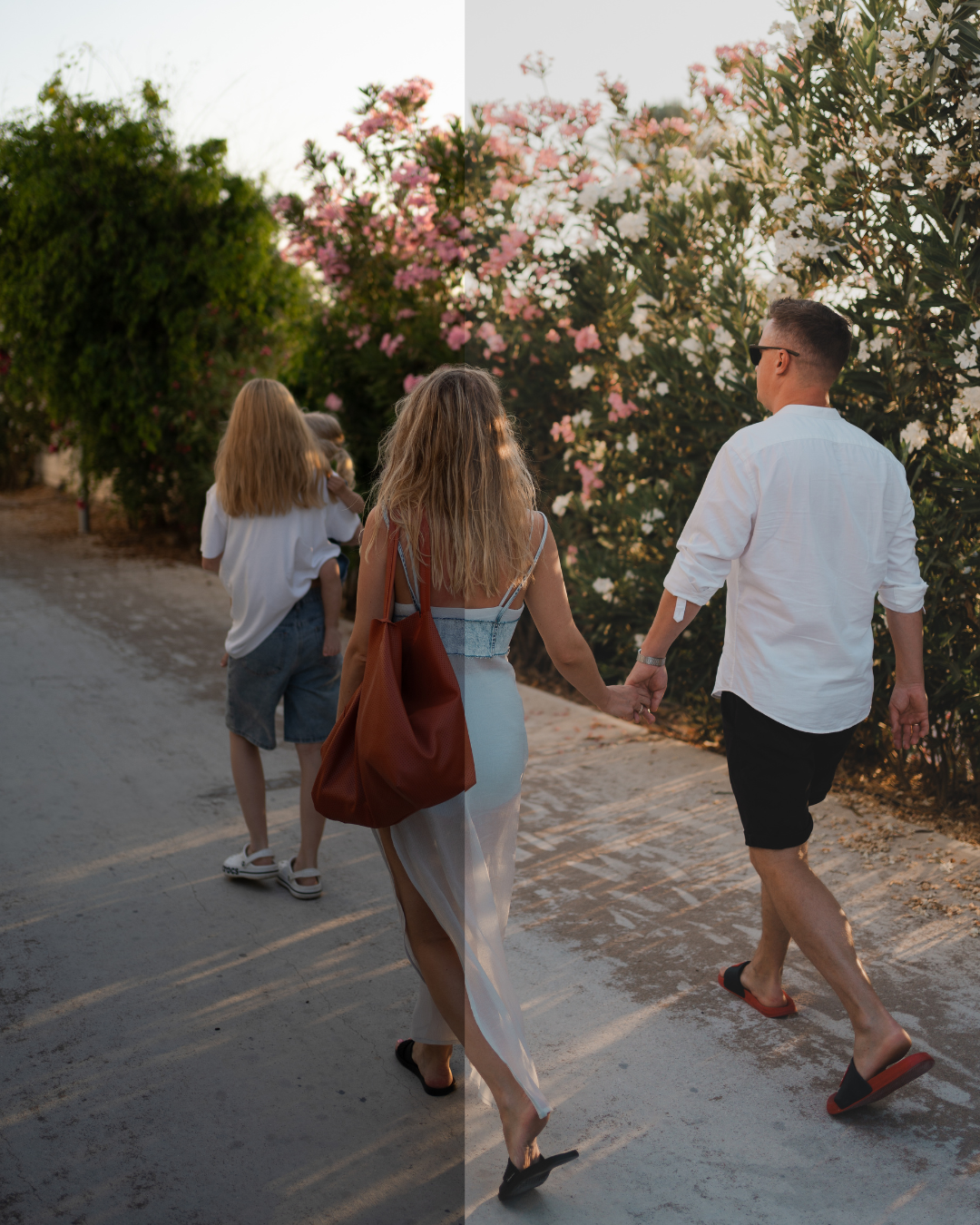
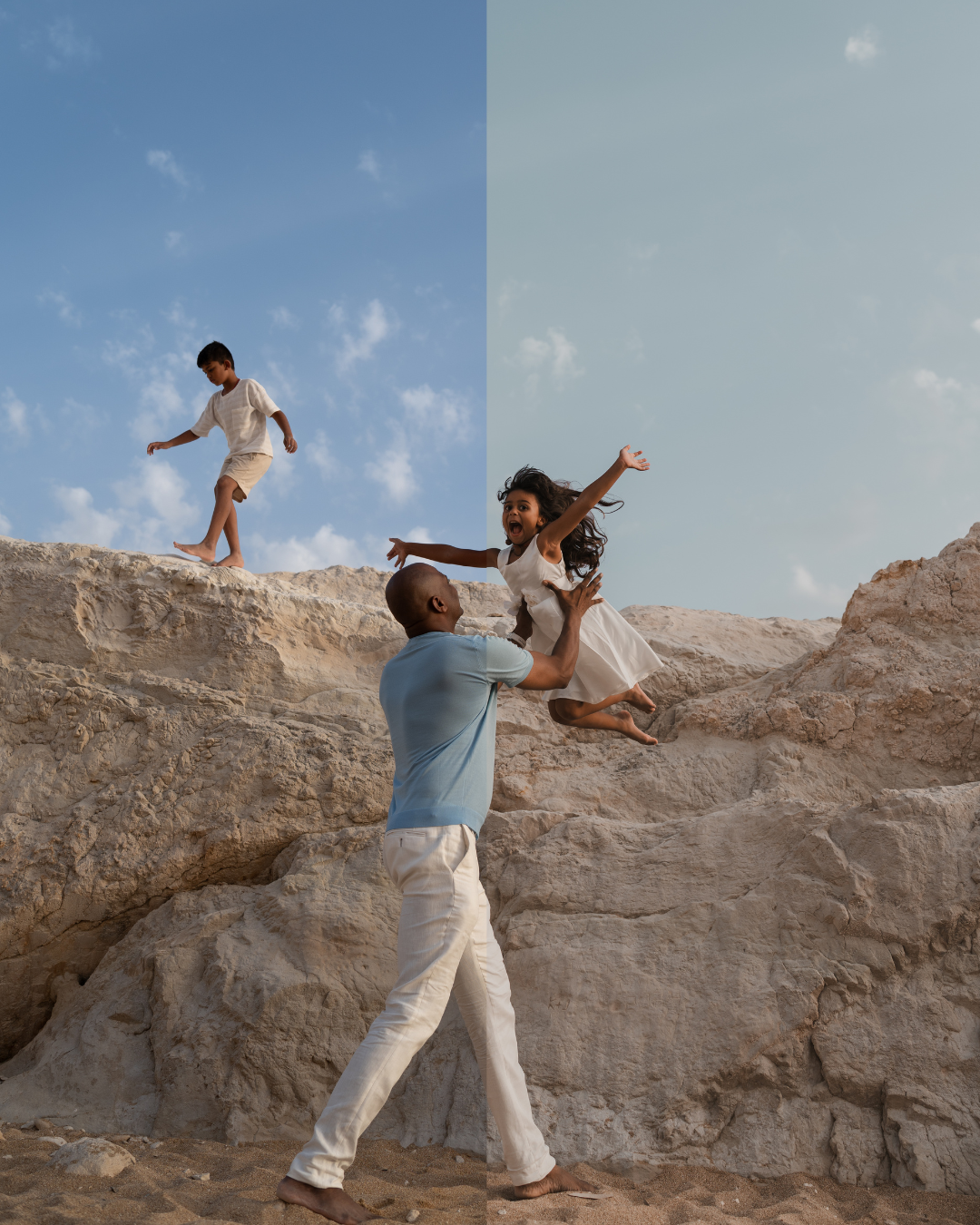
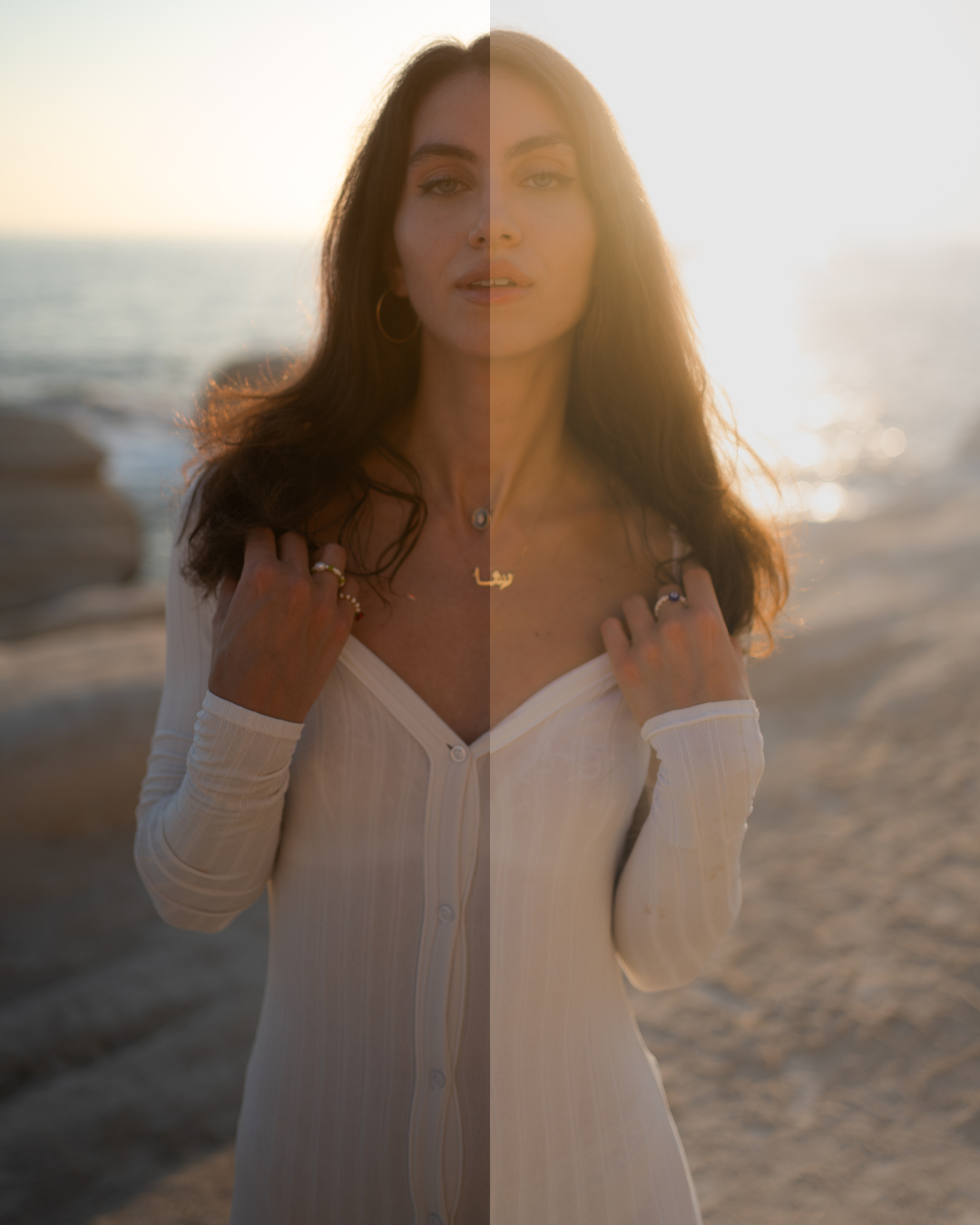
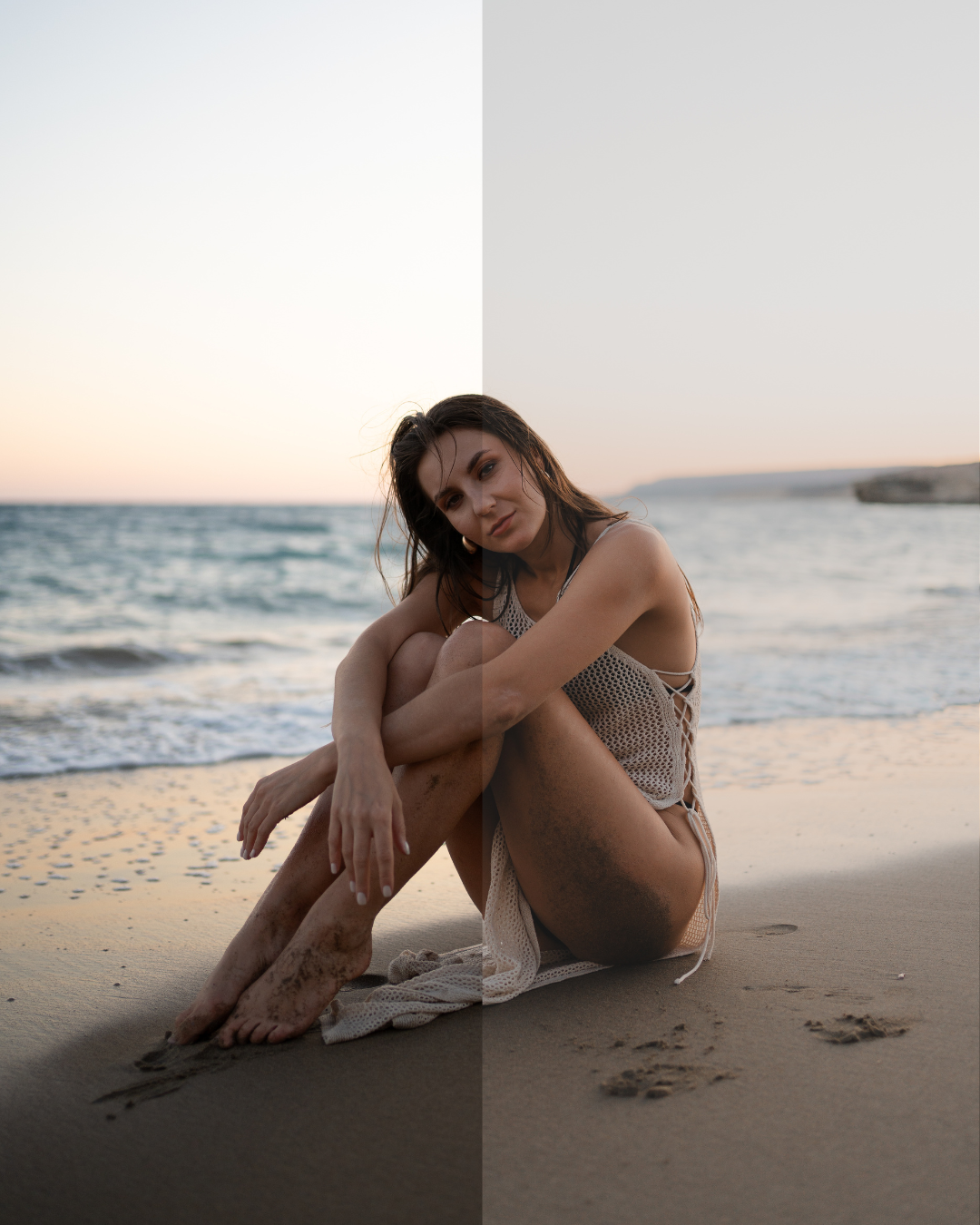
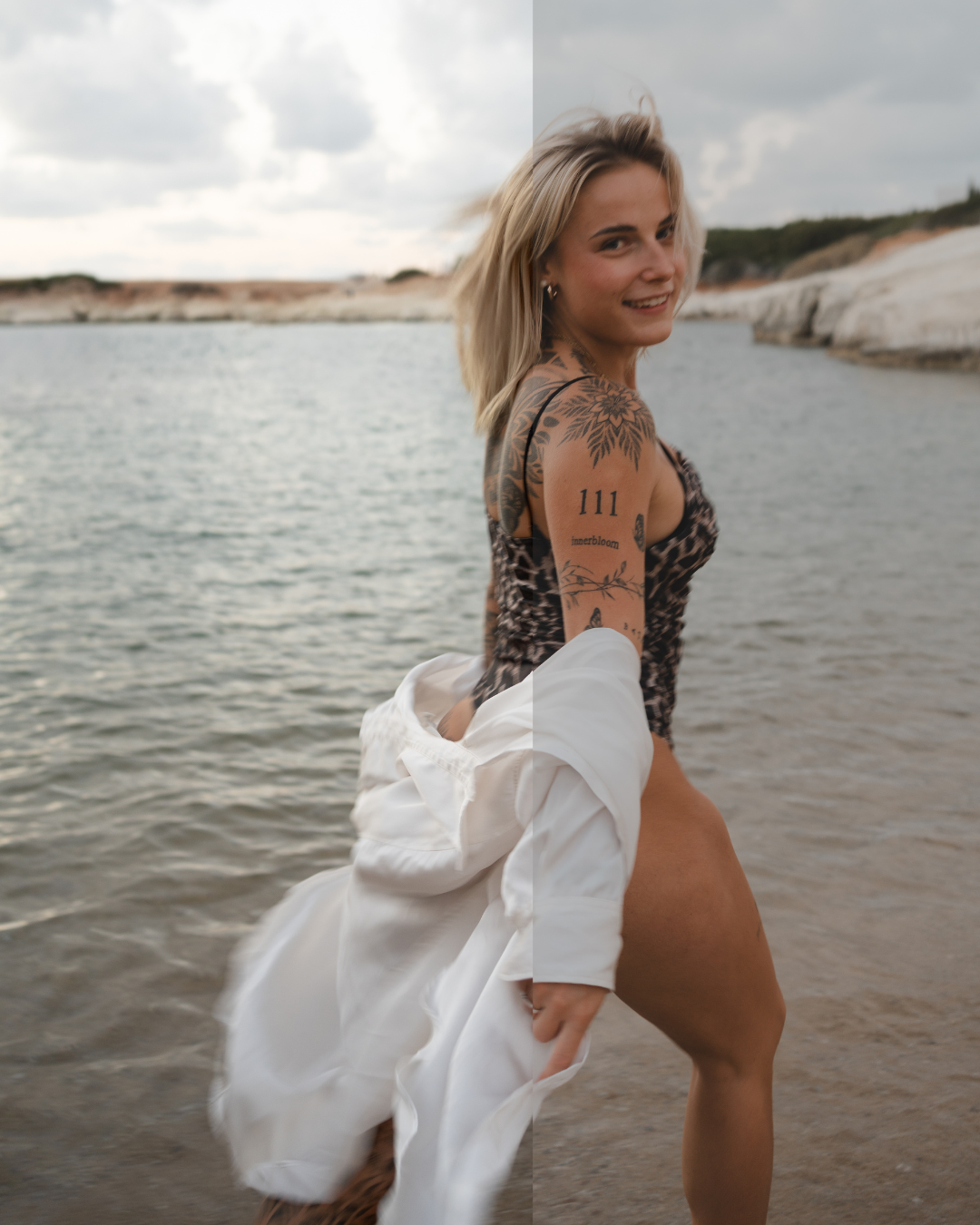
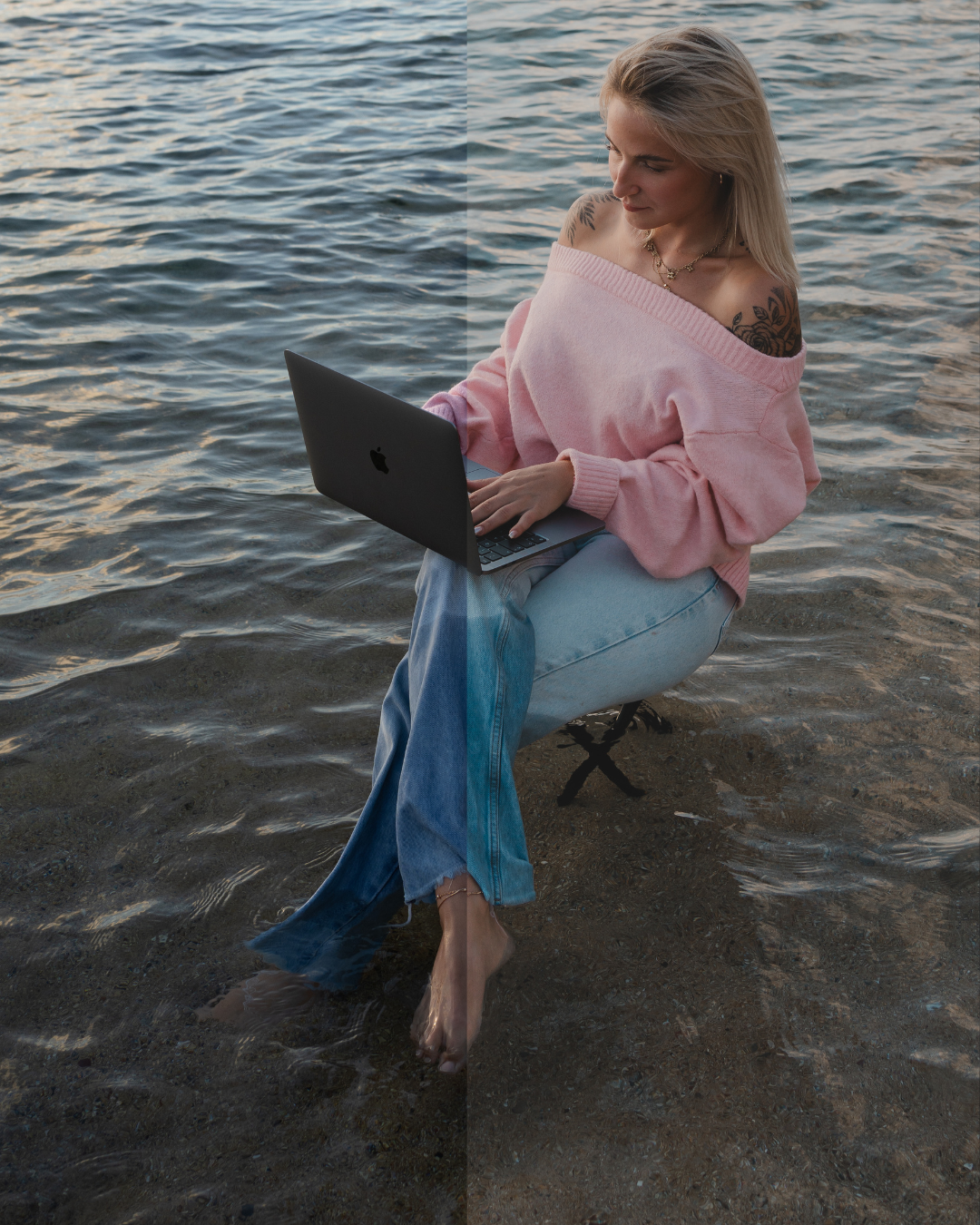
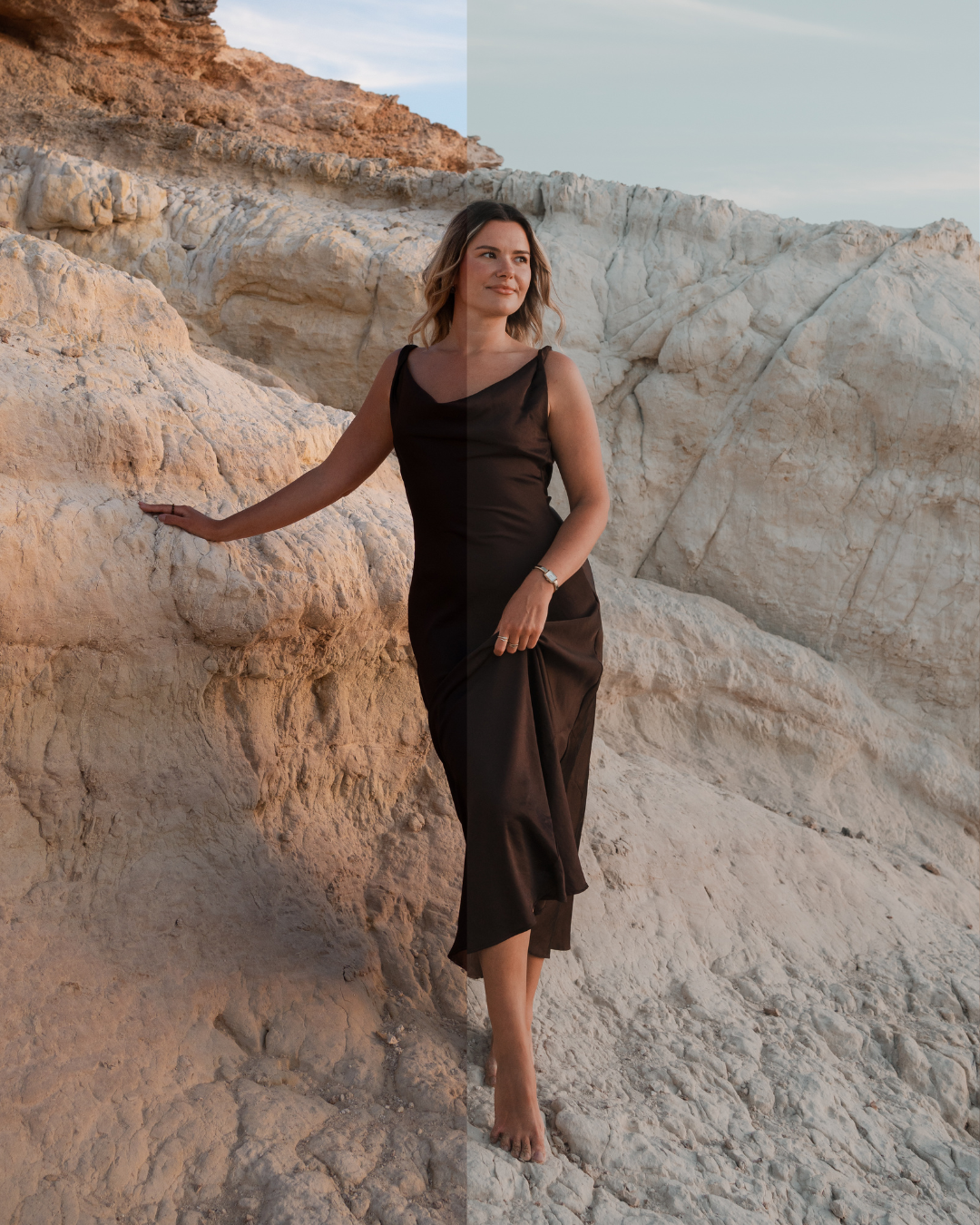
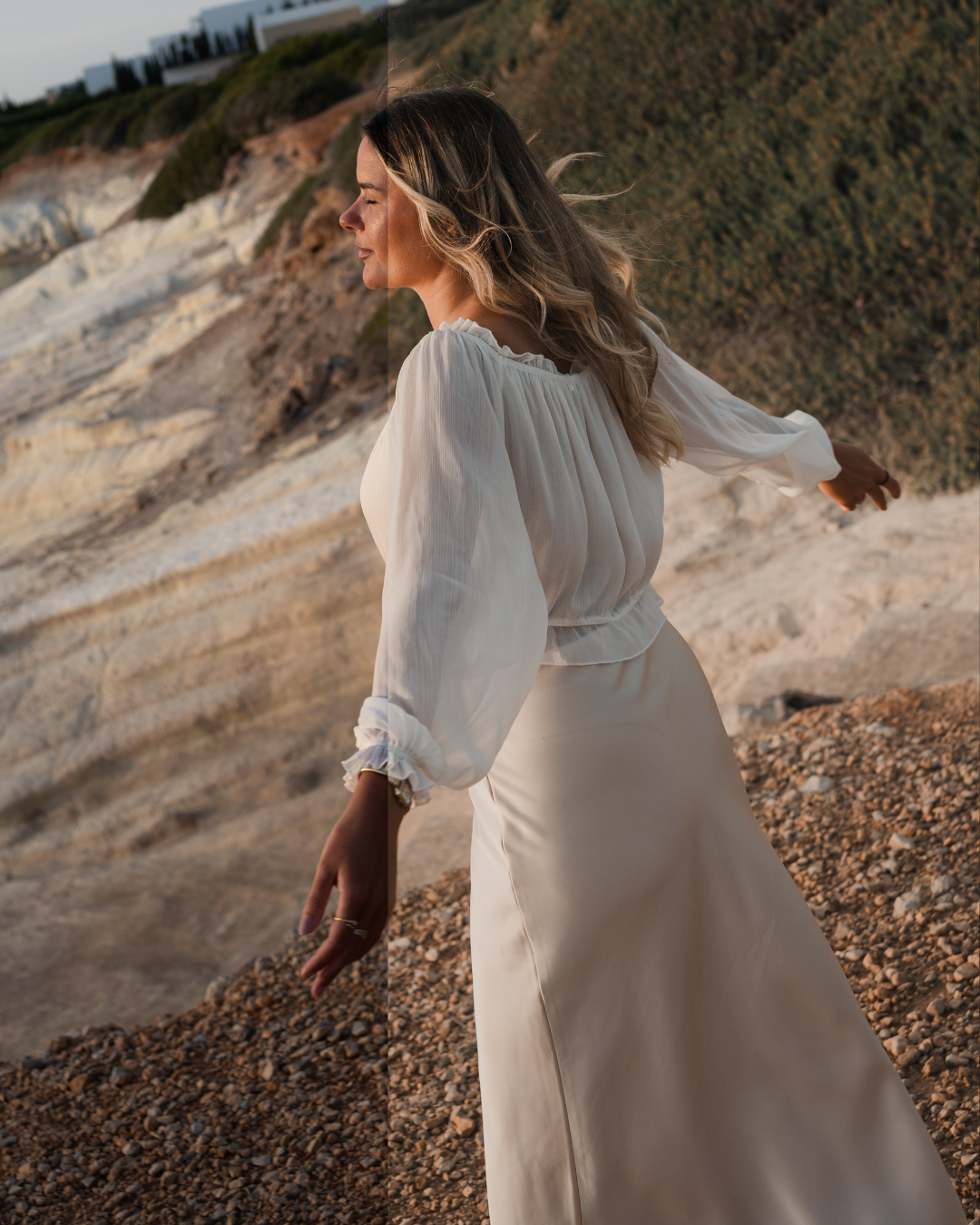
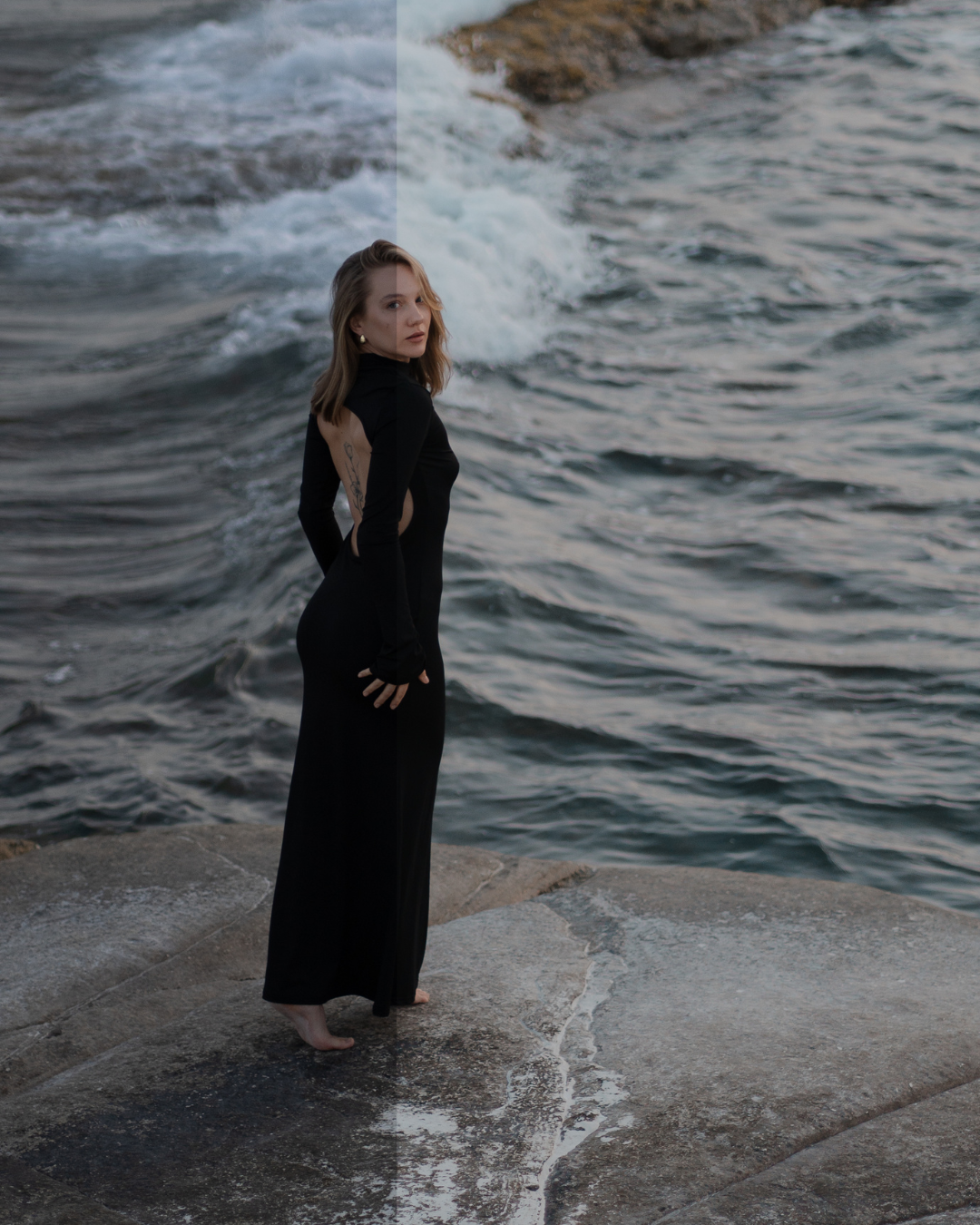
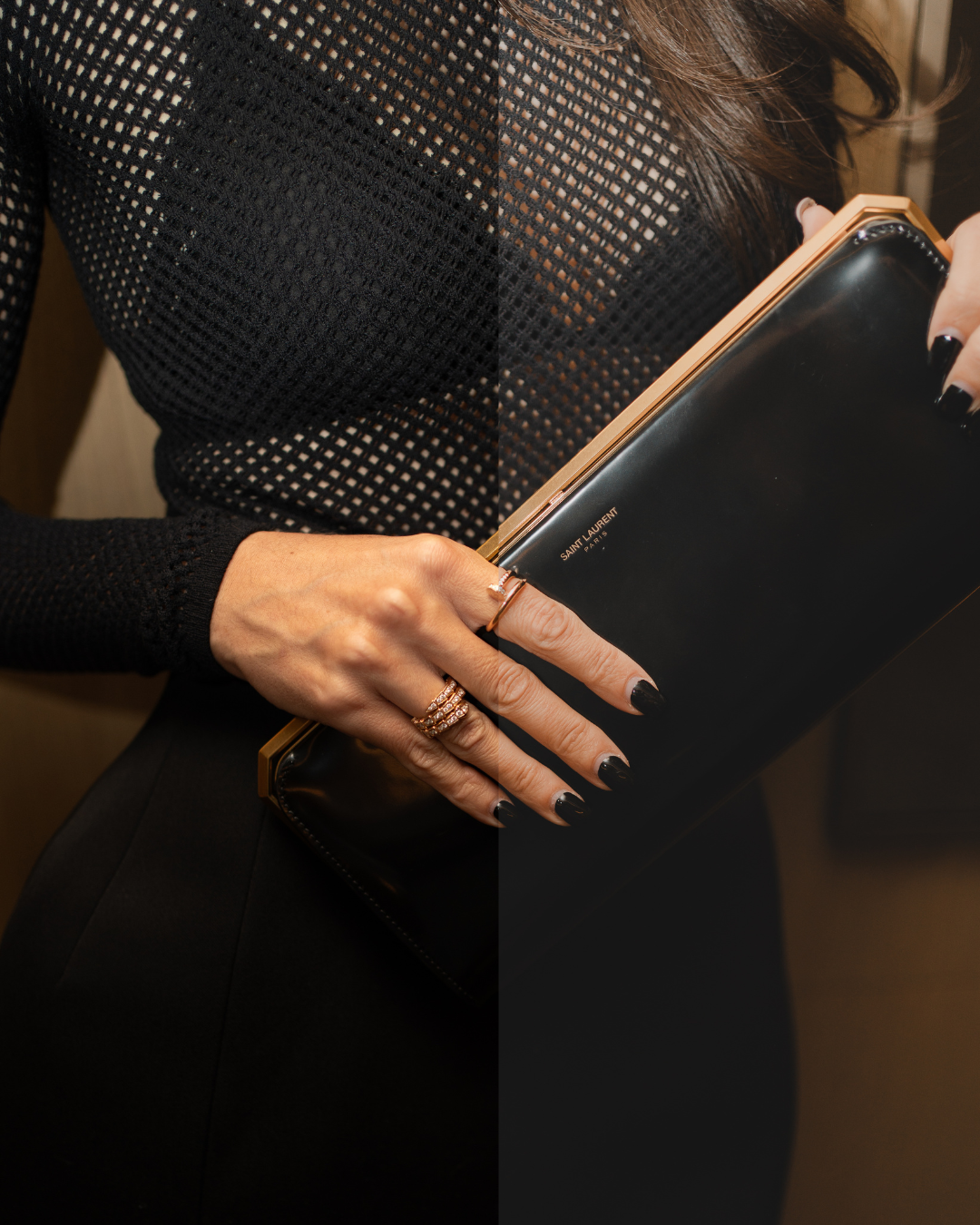
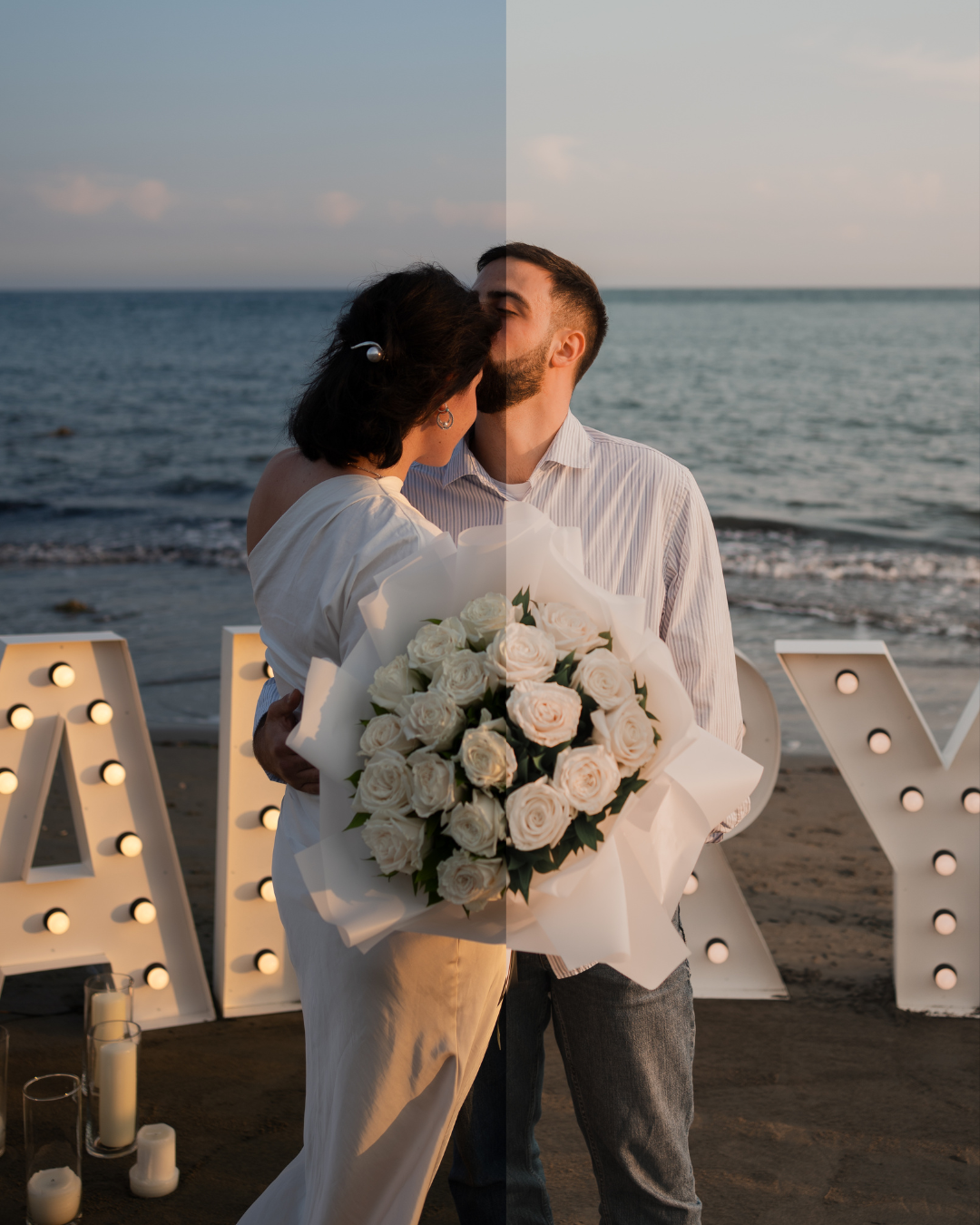
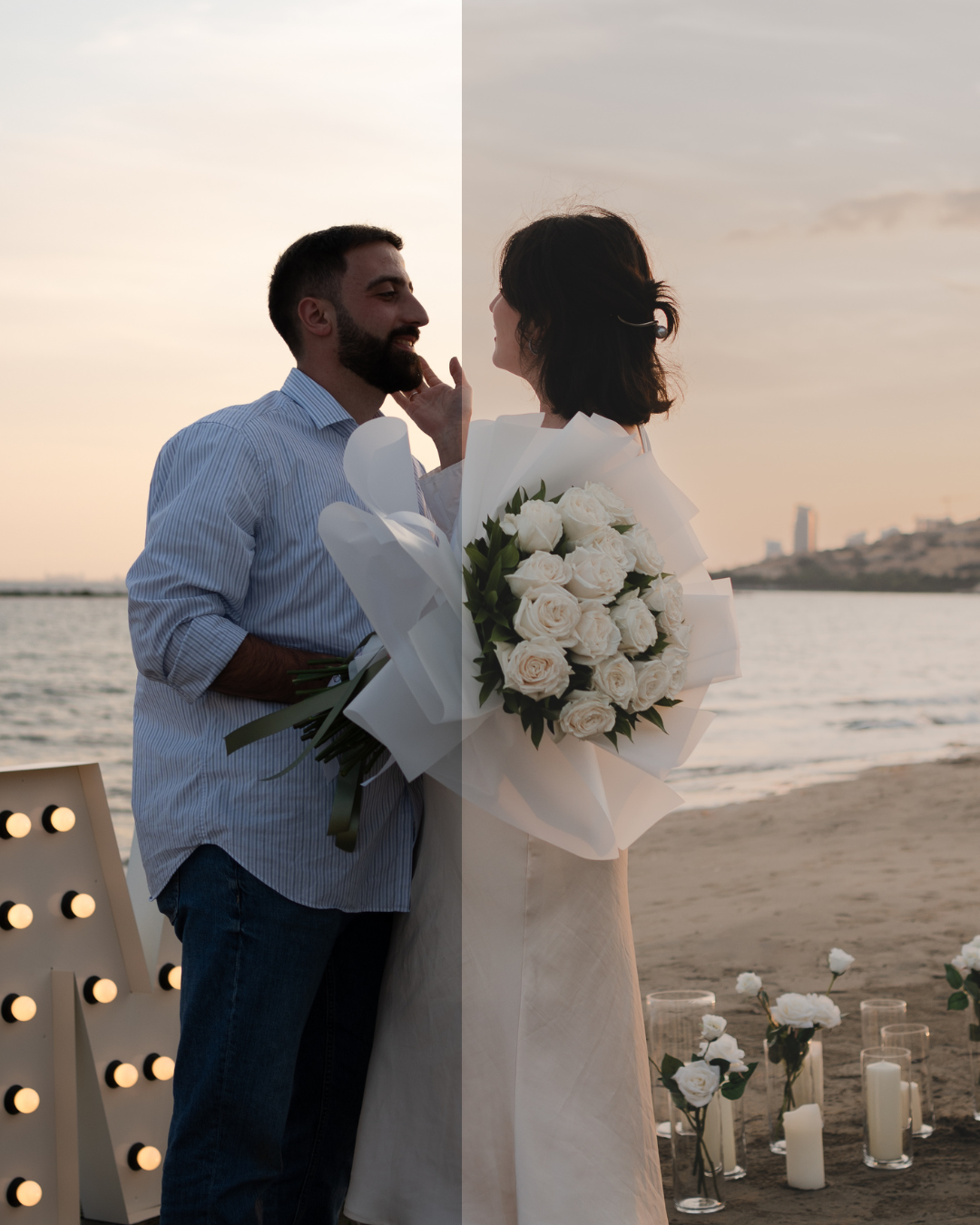
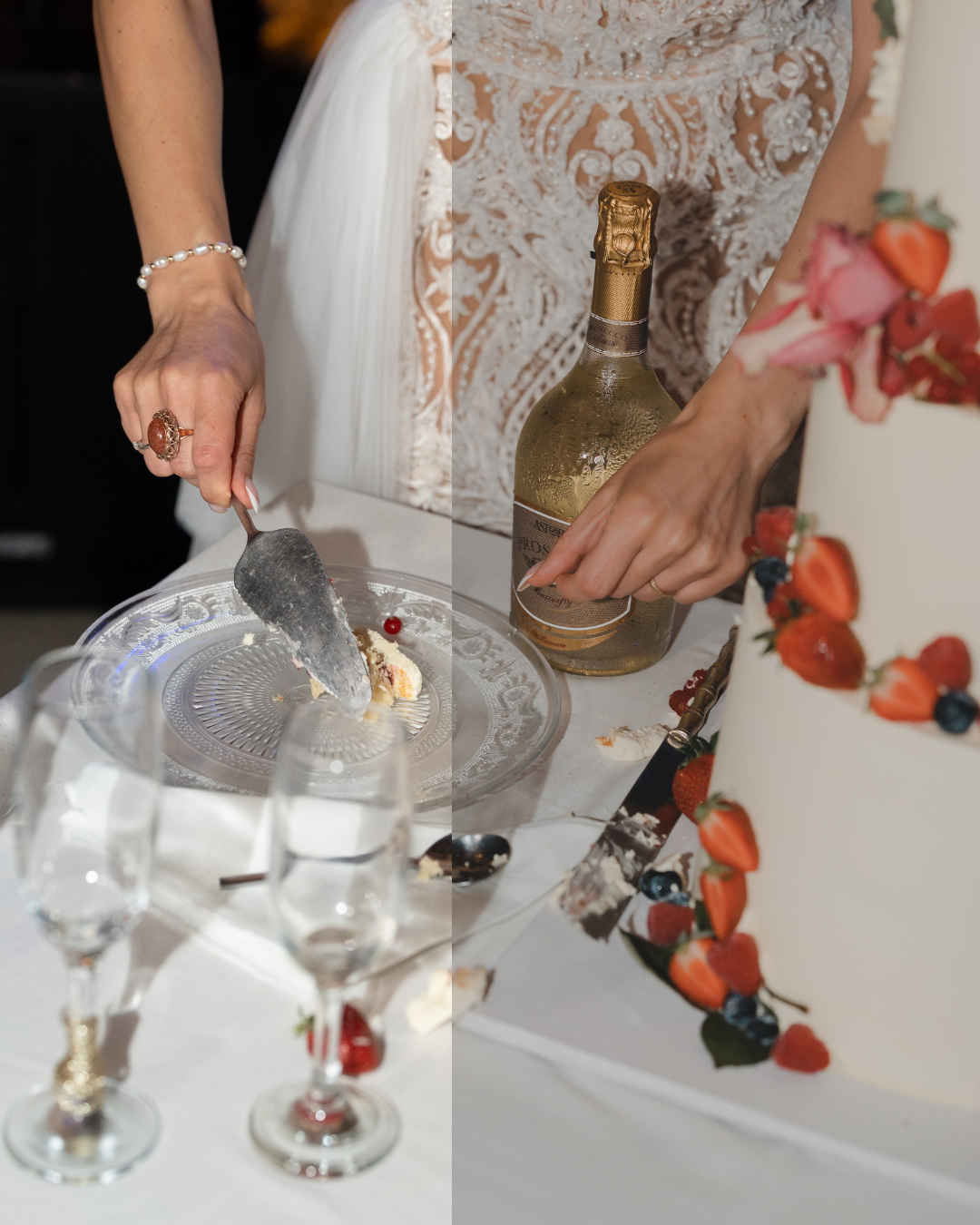
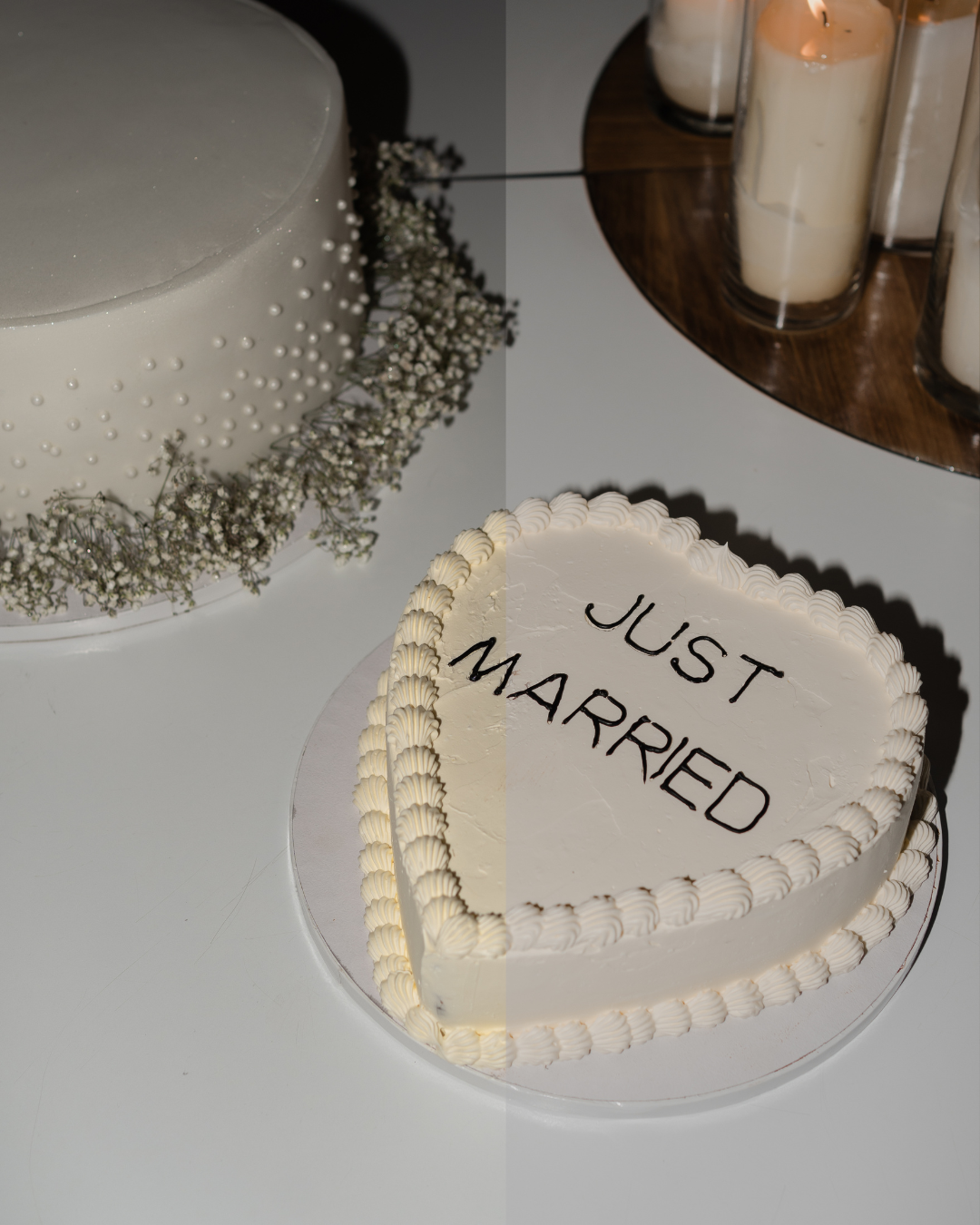
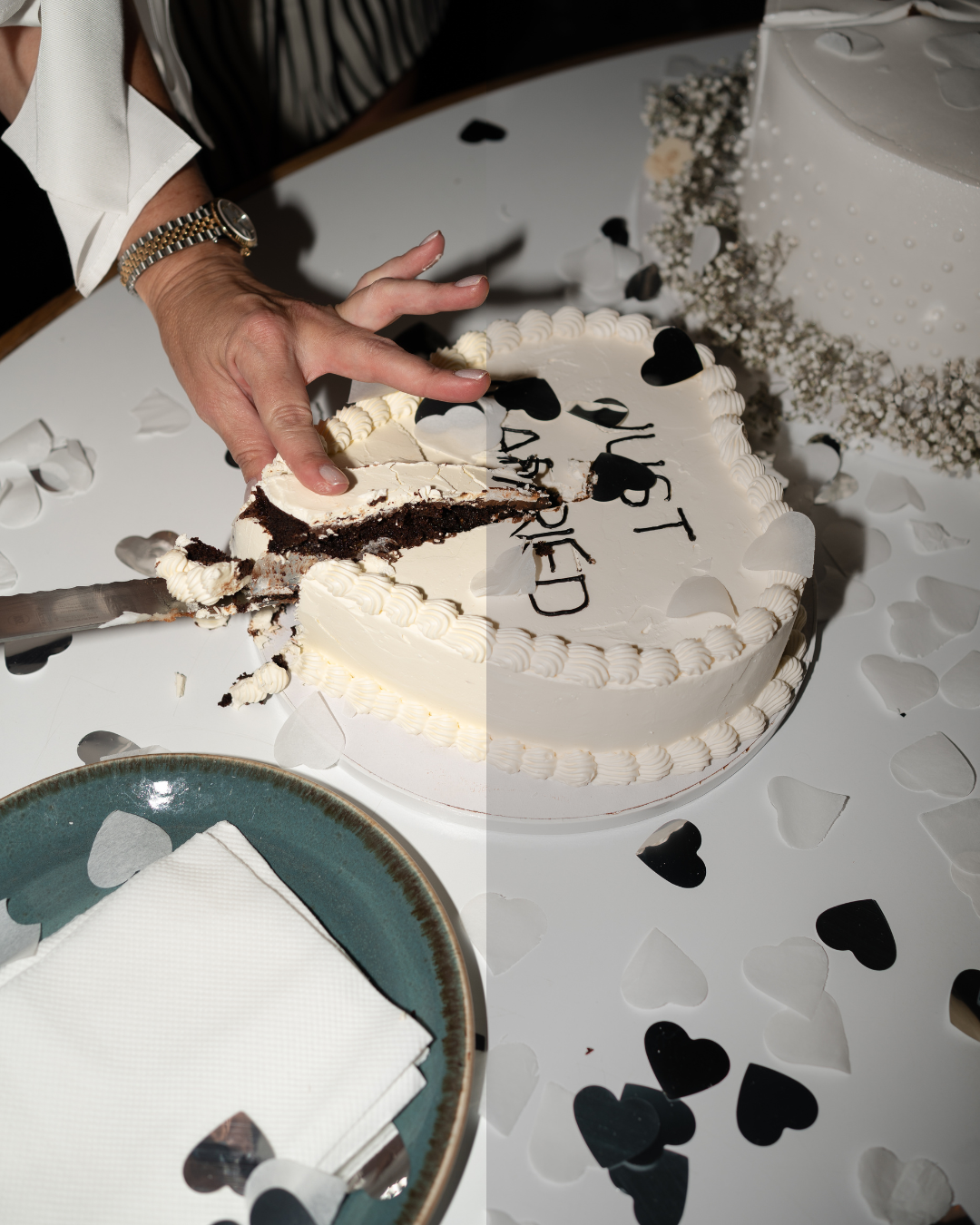
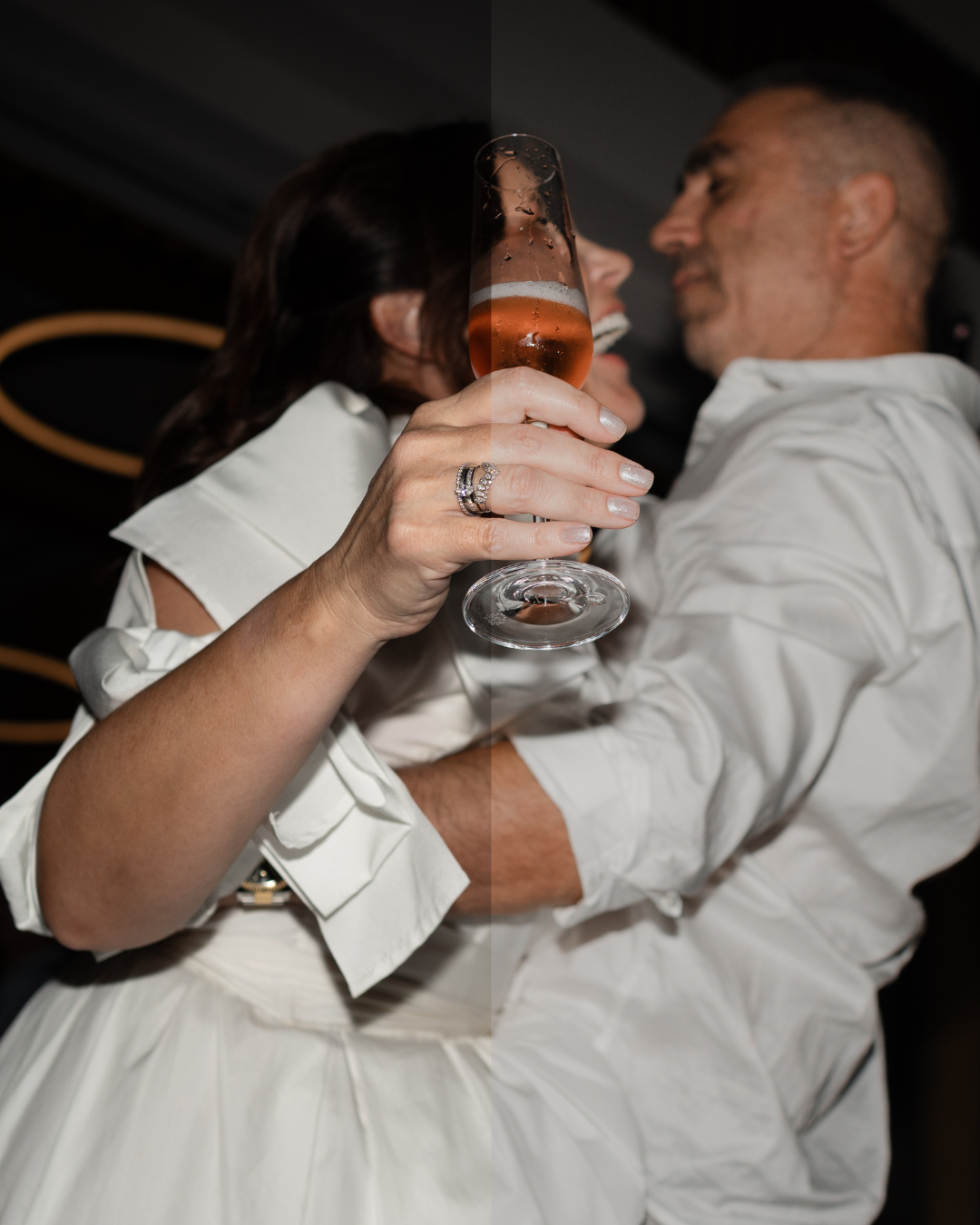
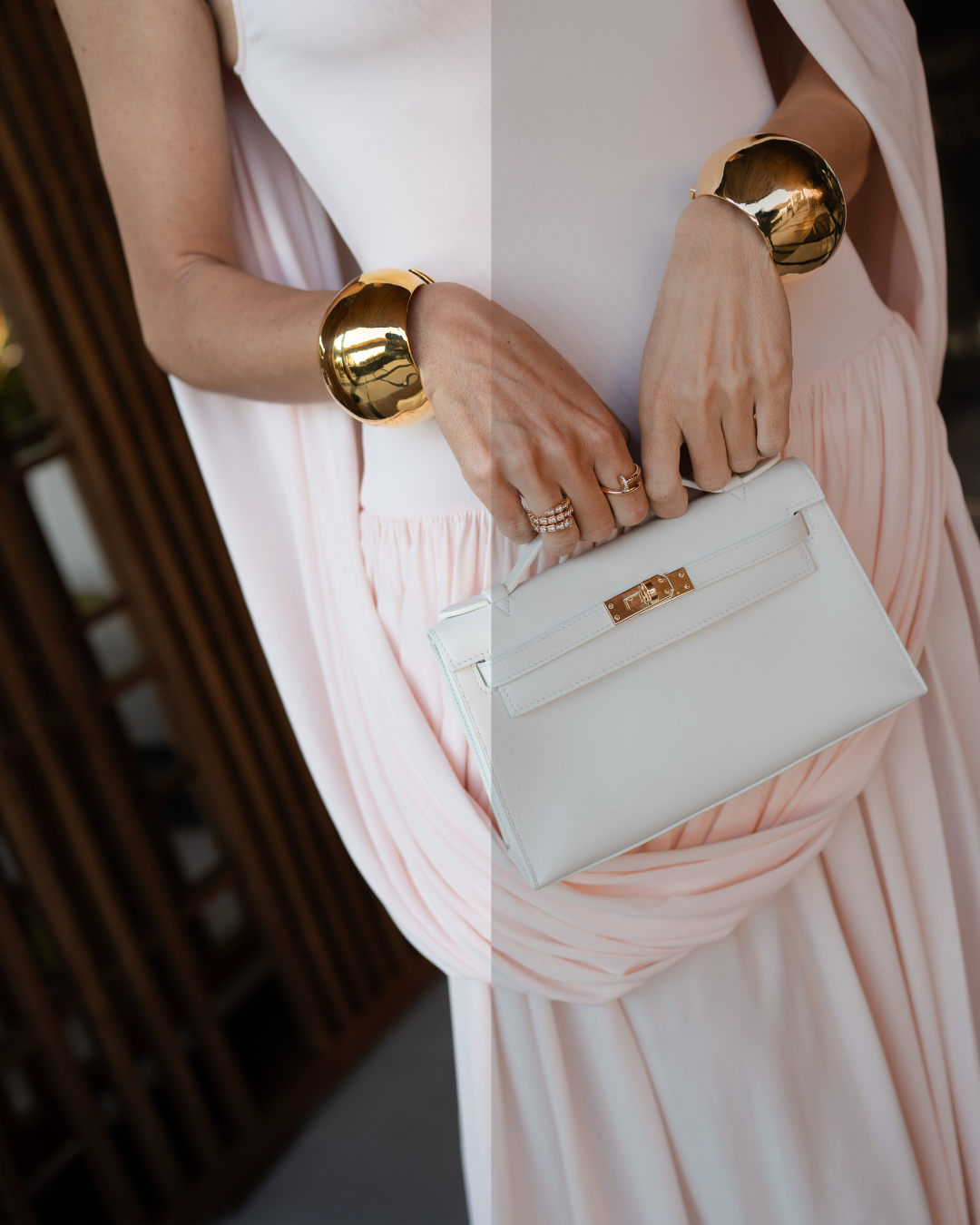
11 presets included:
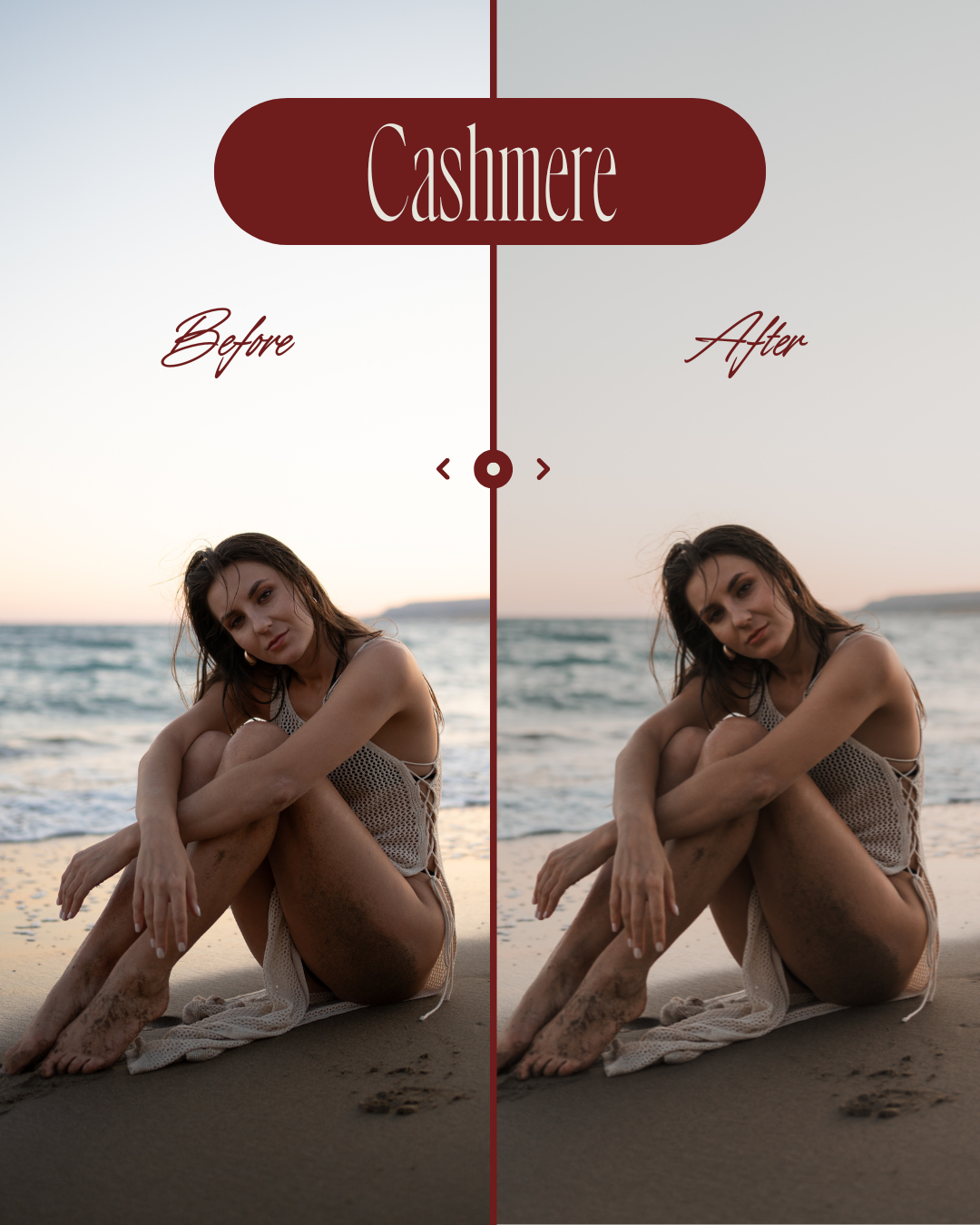
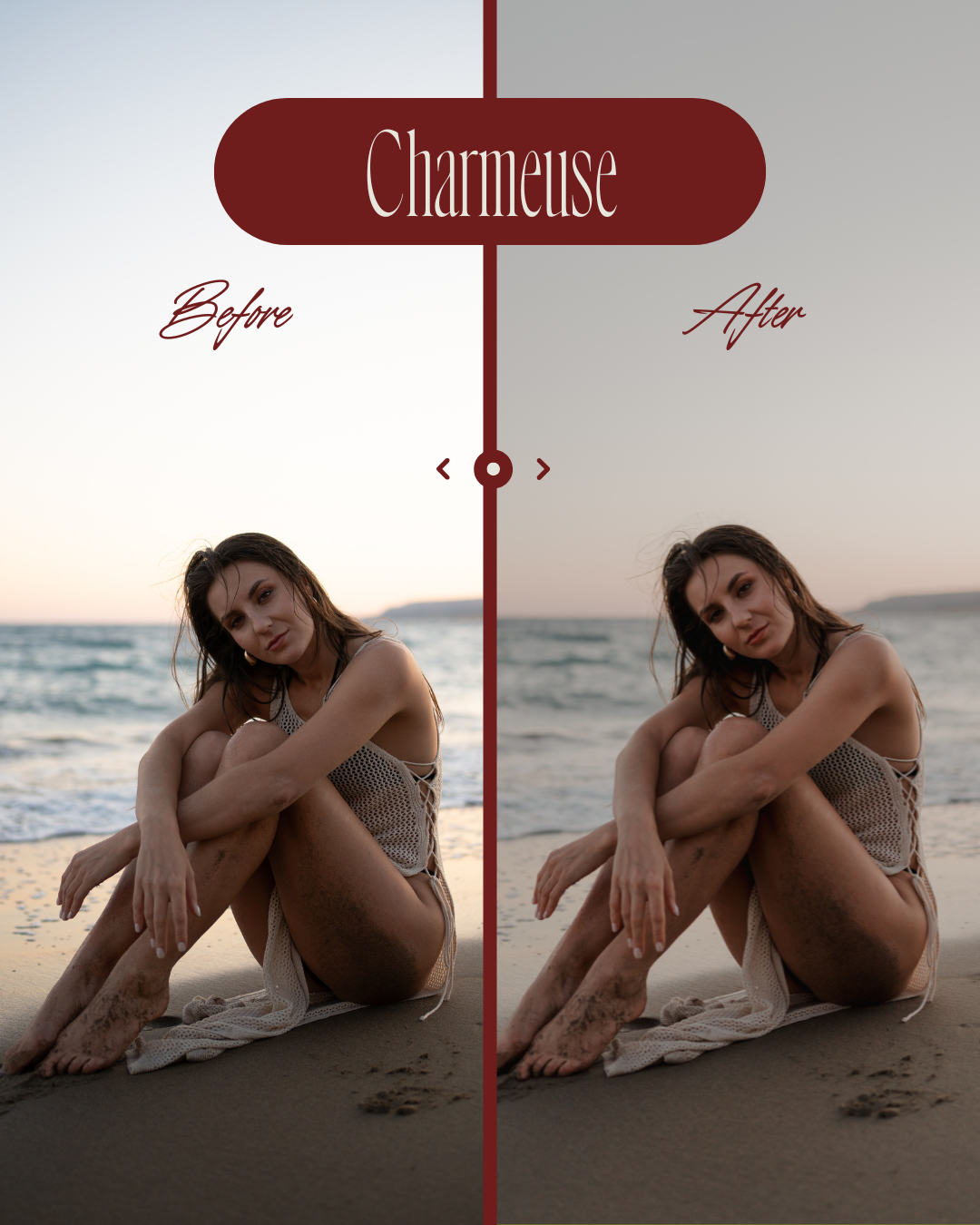
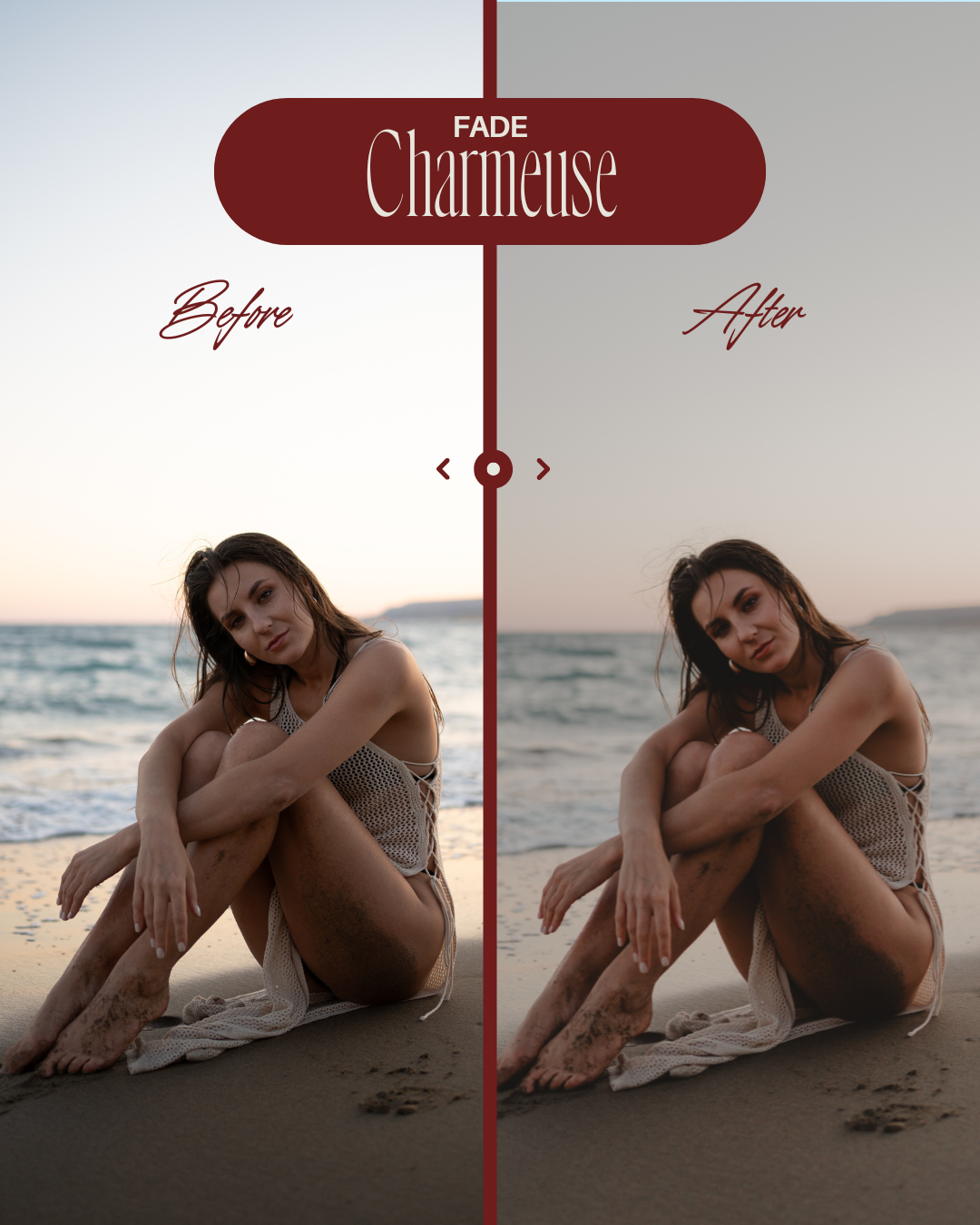
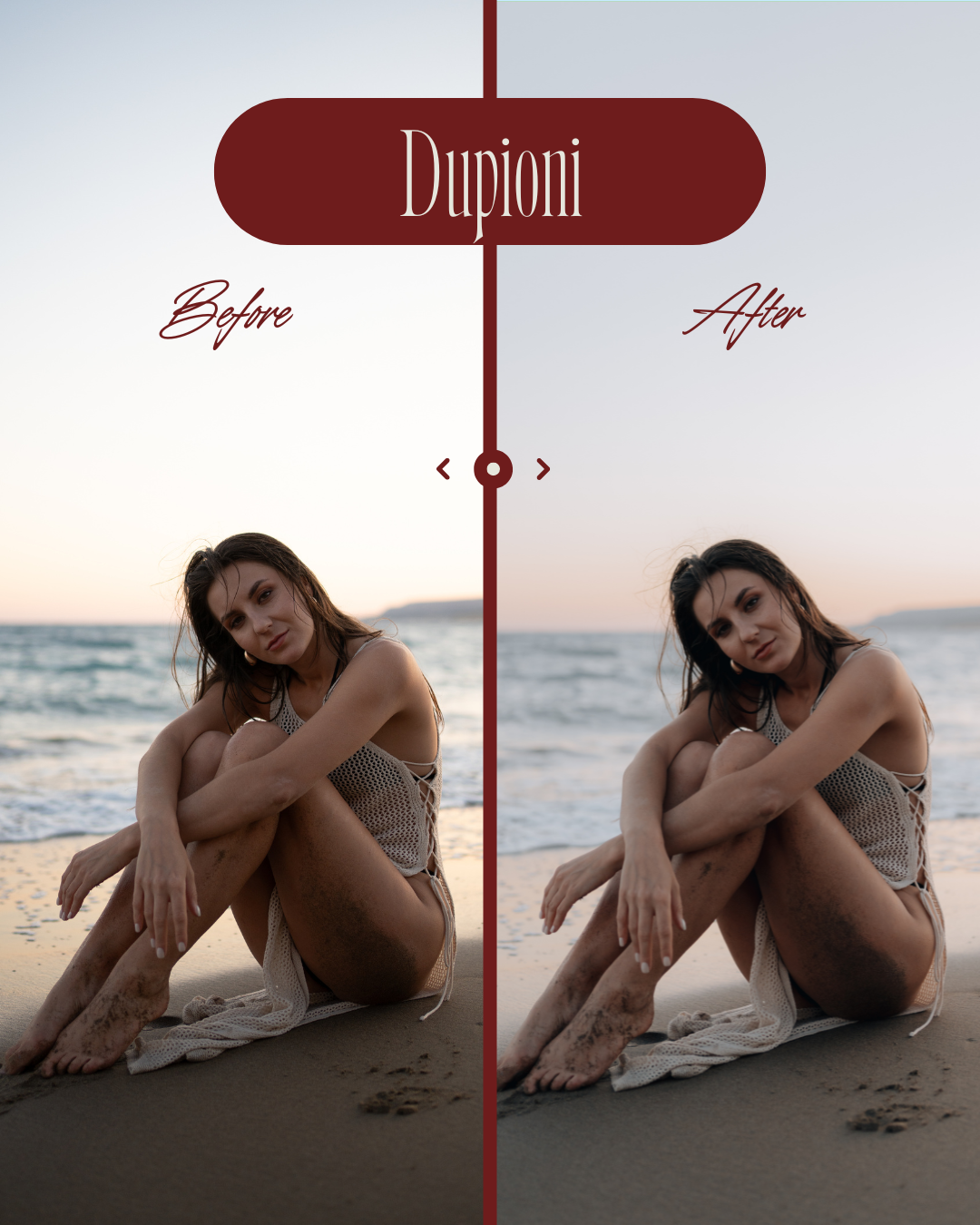
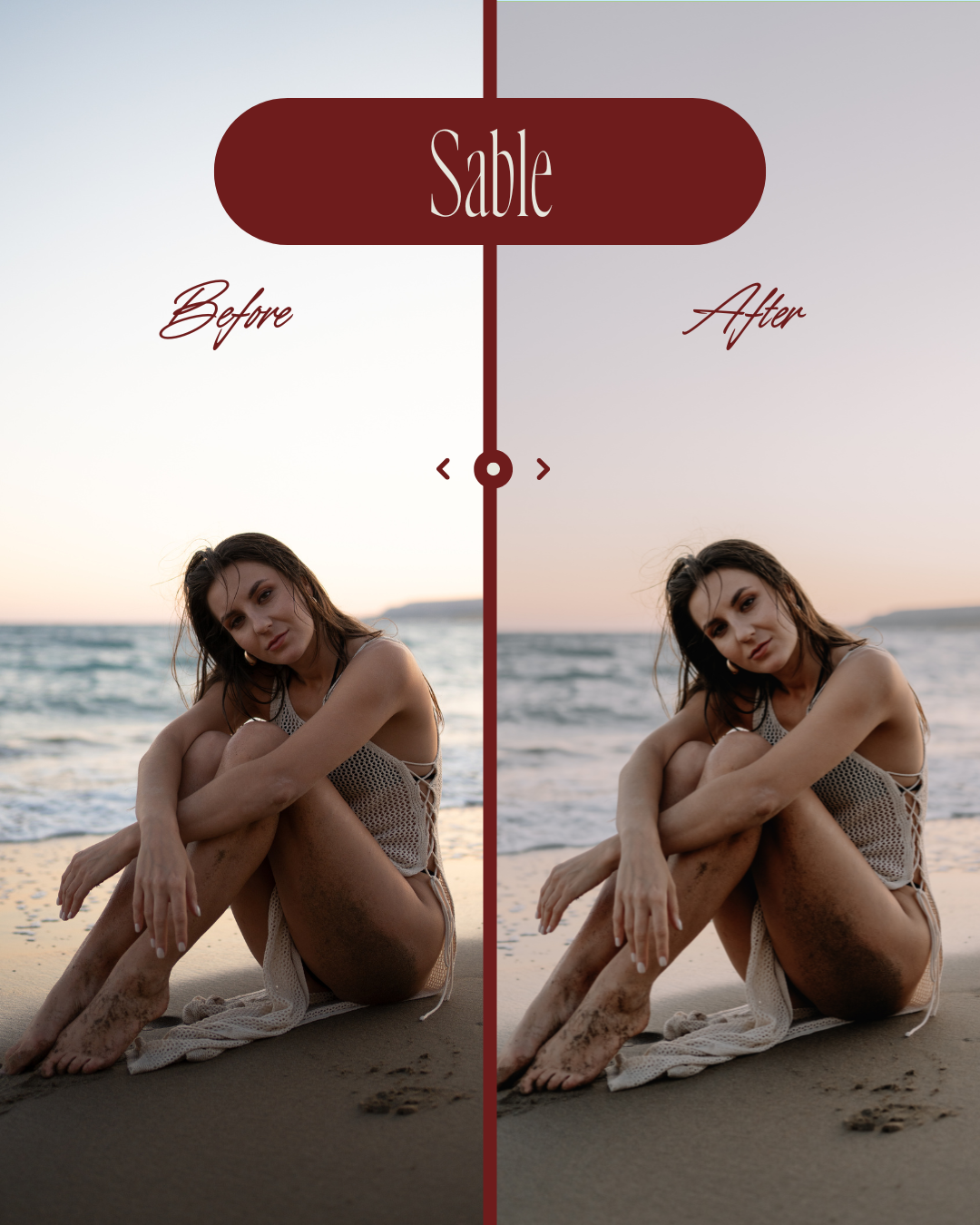
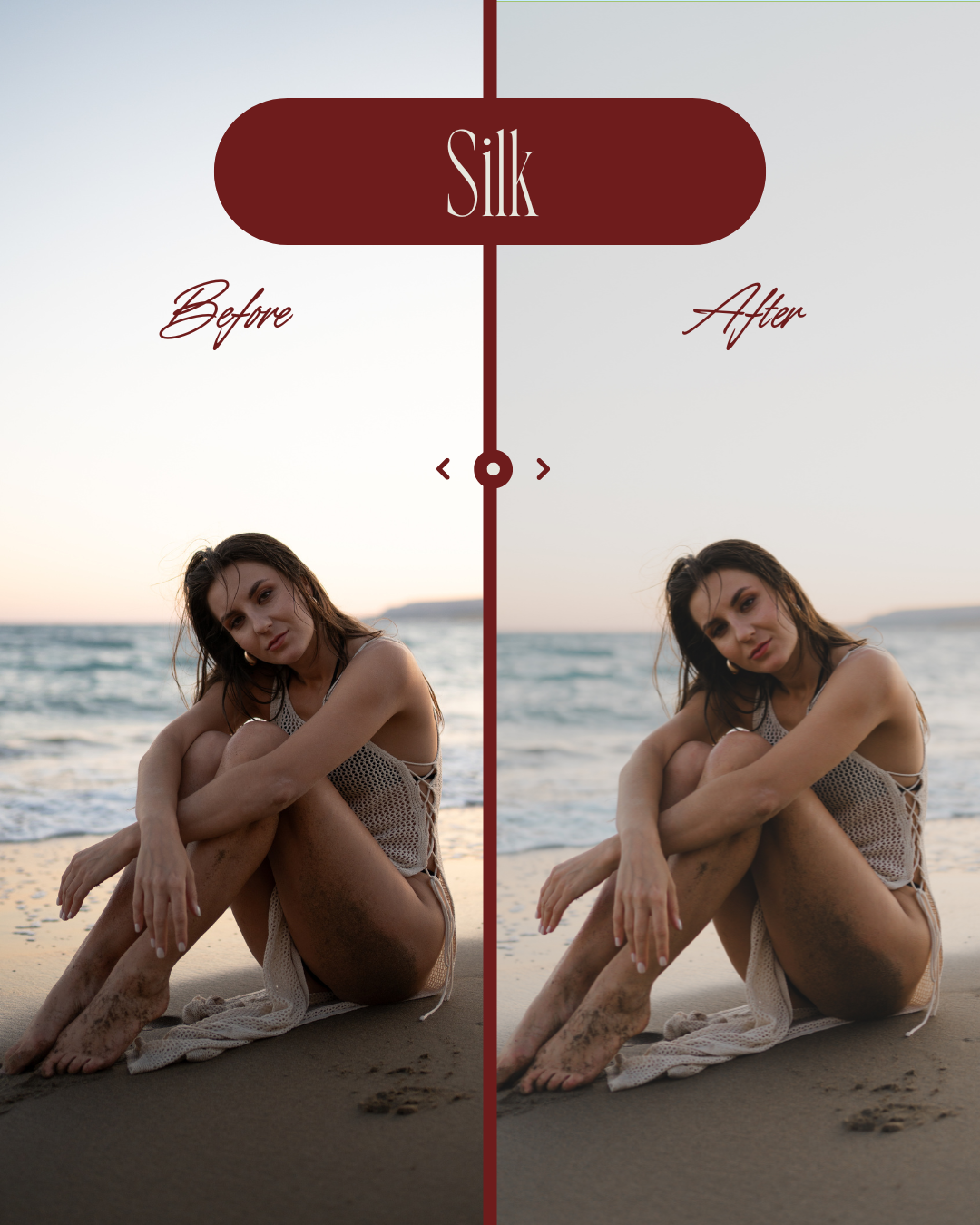
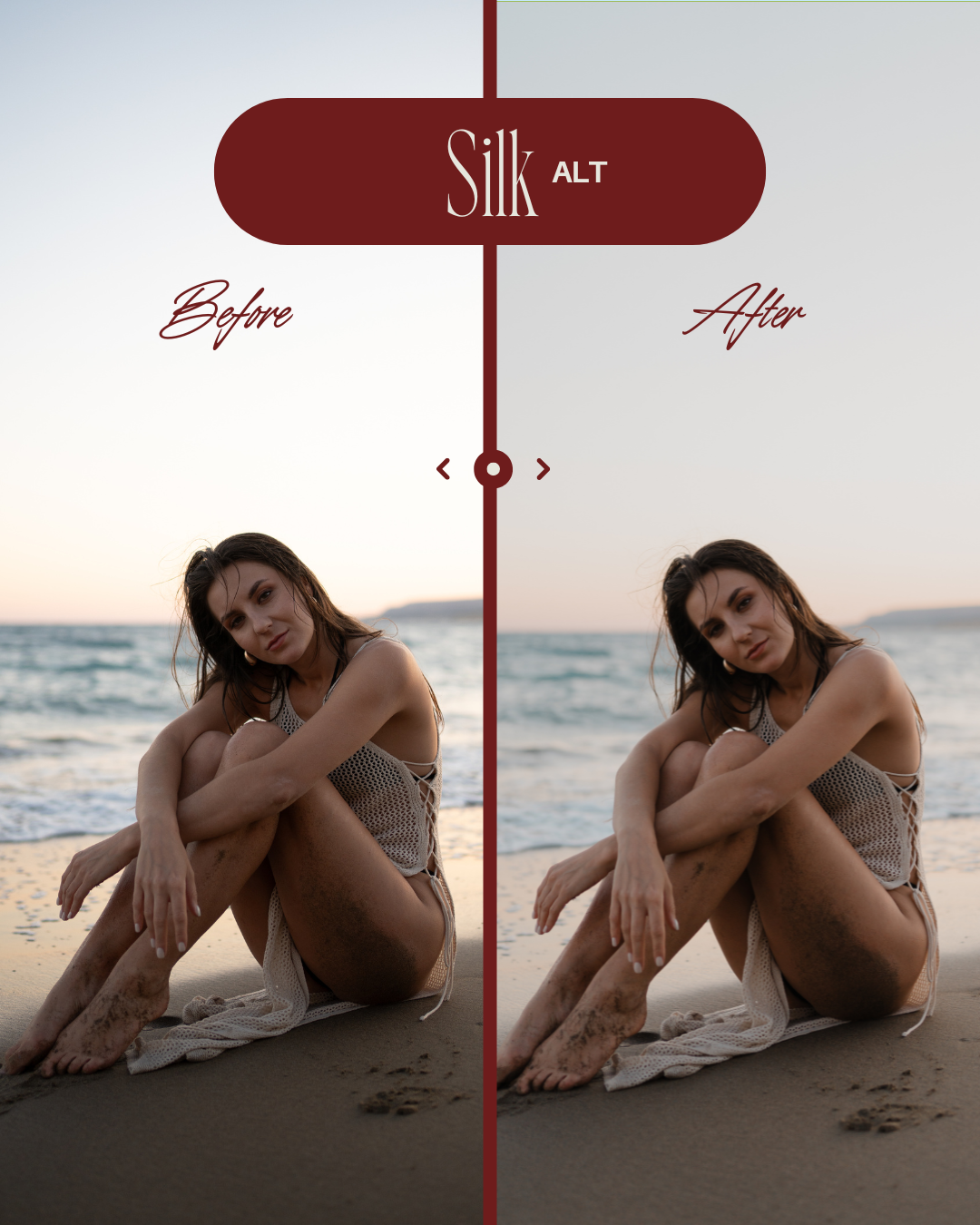
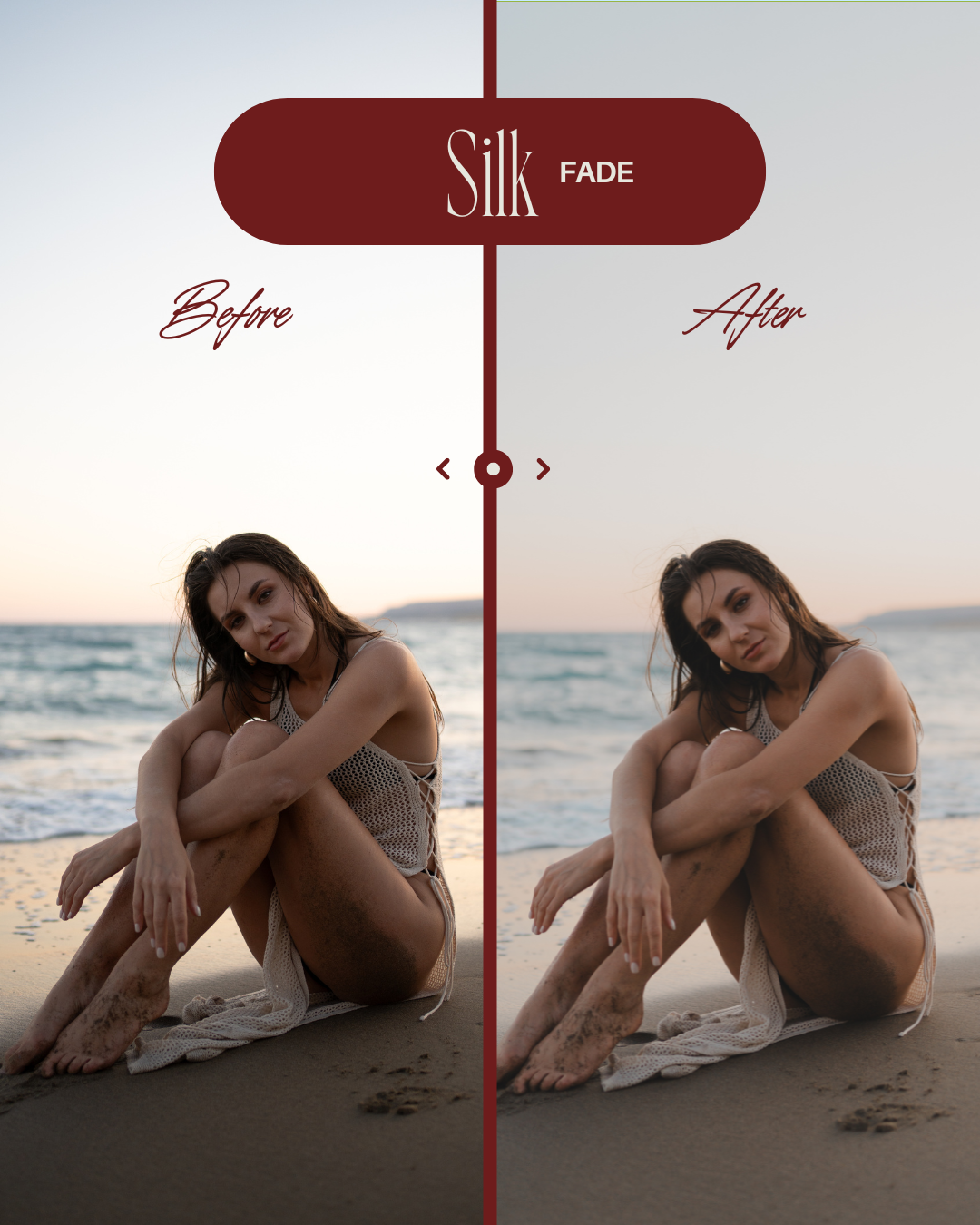
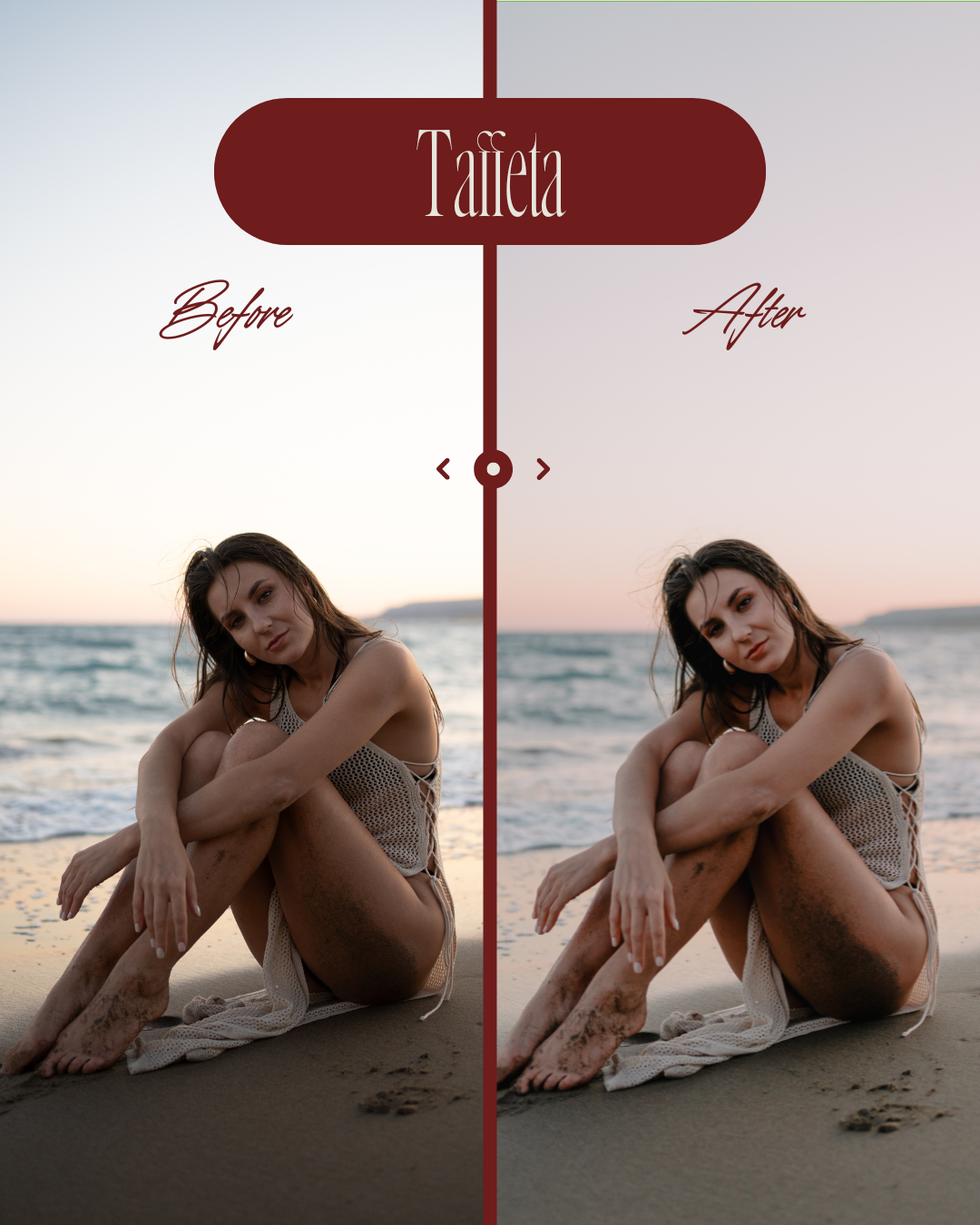
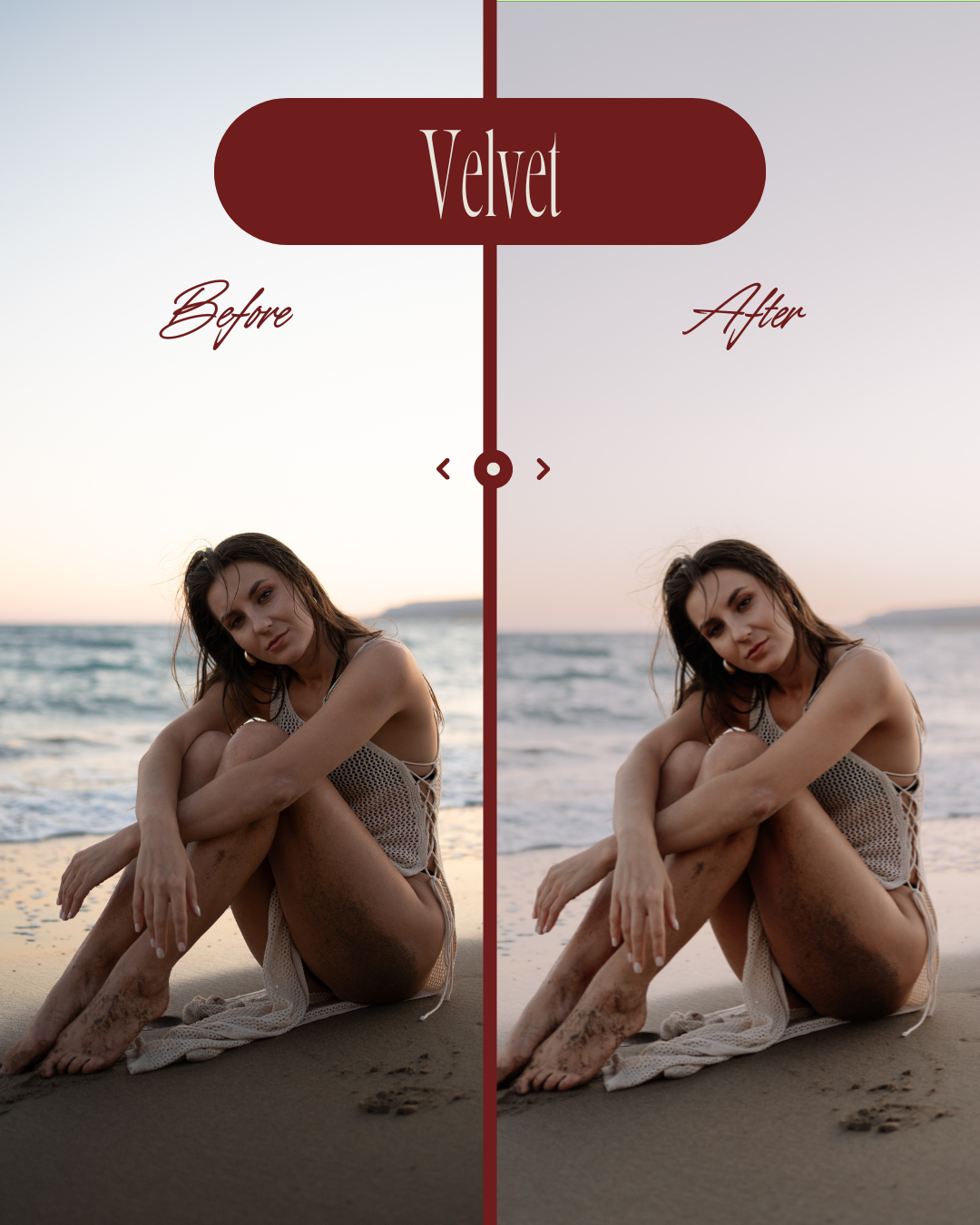
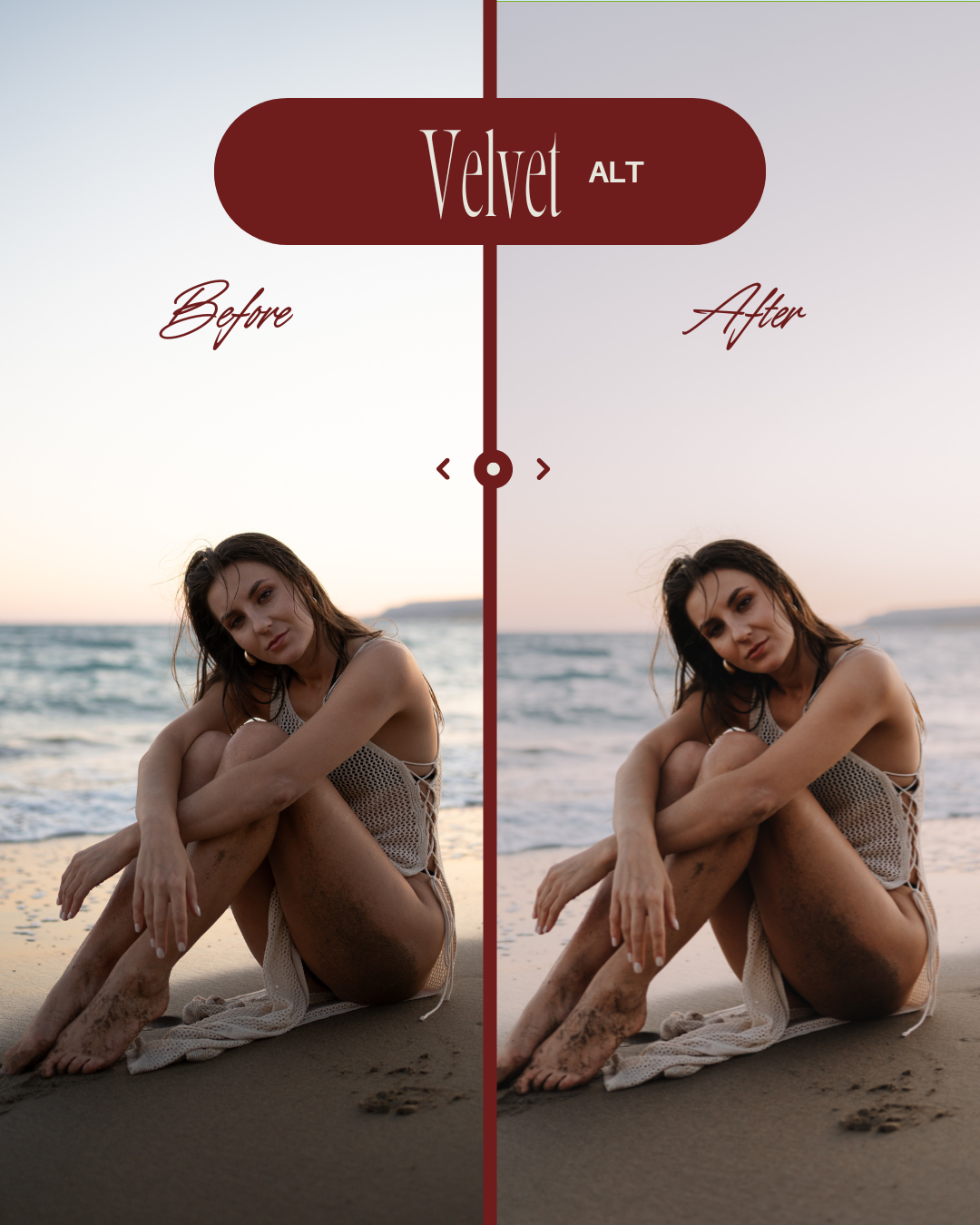
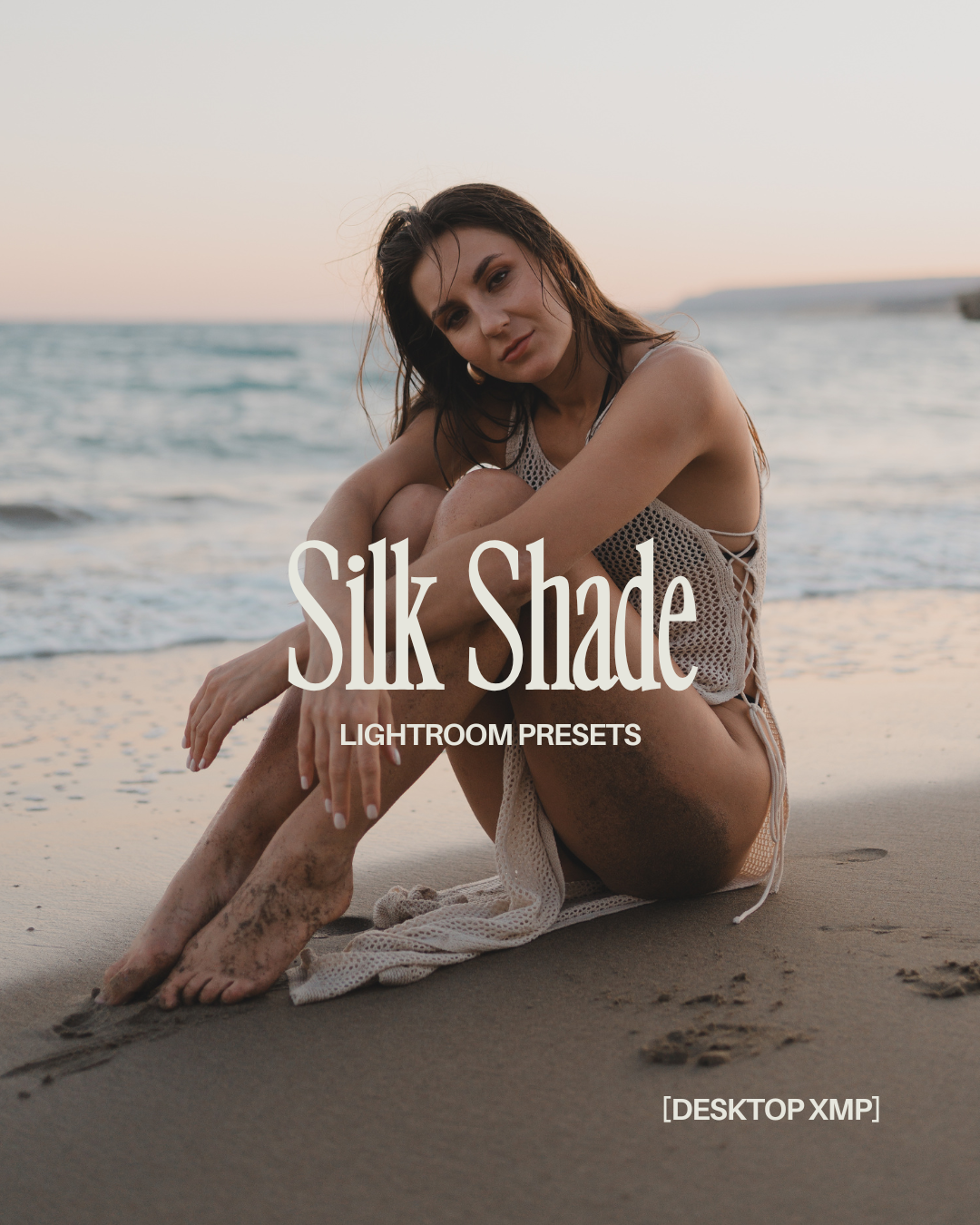
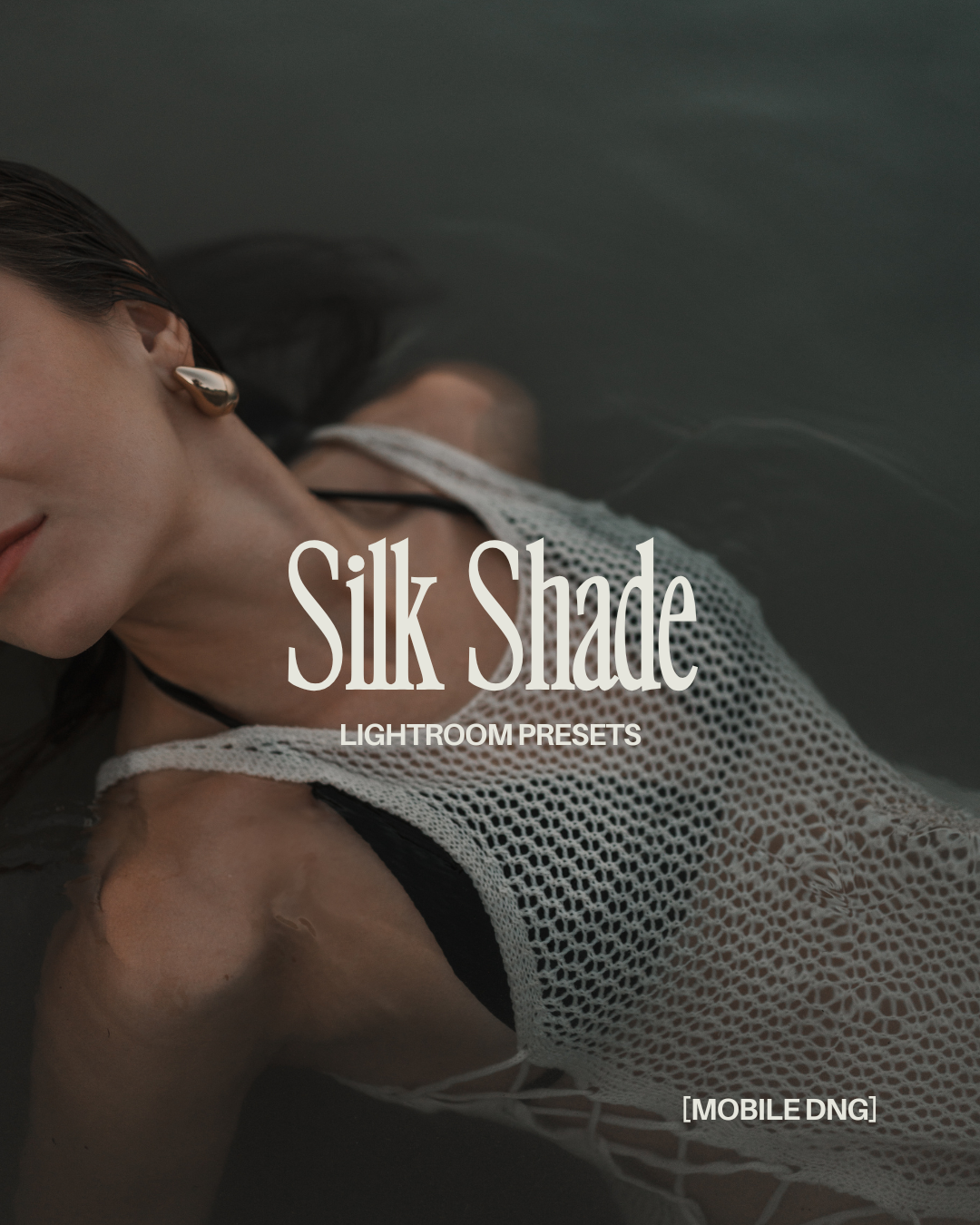
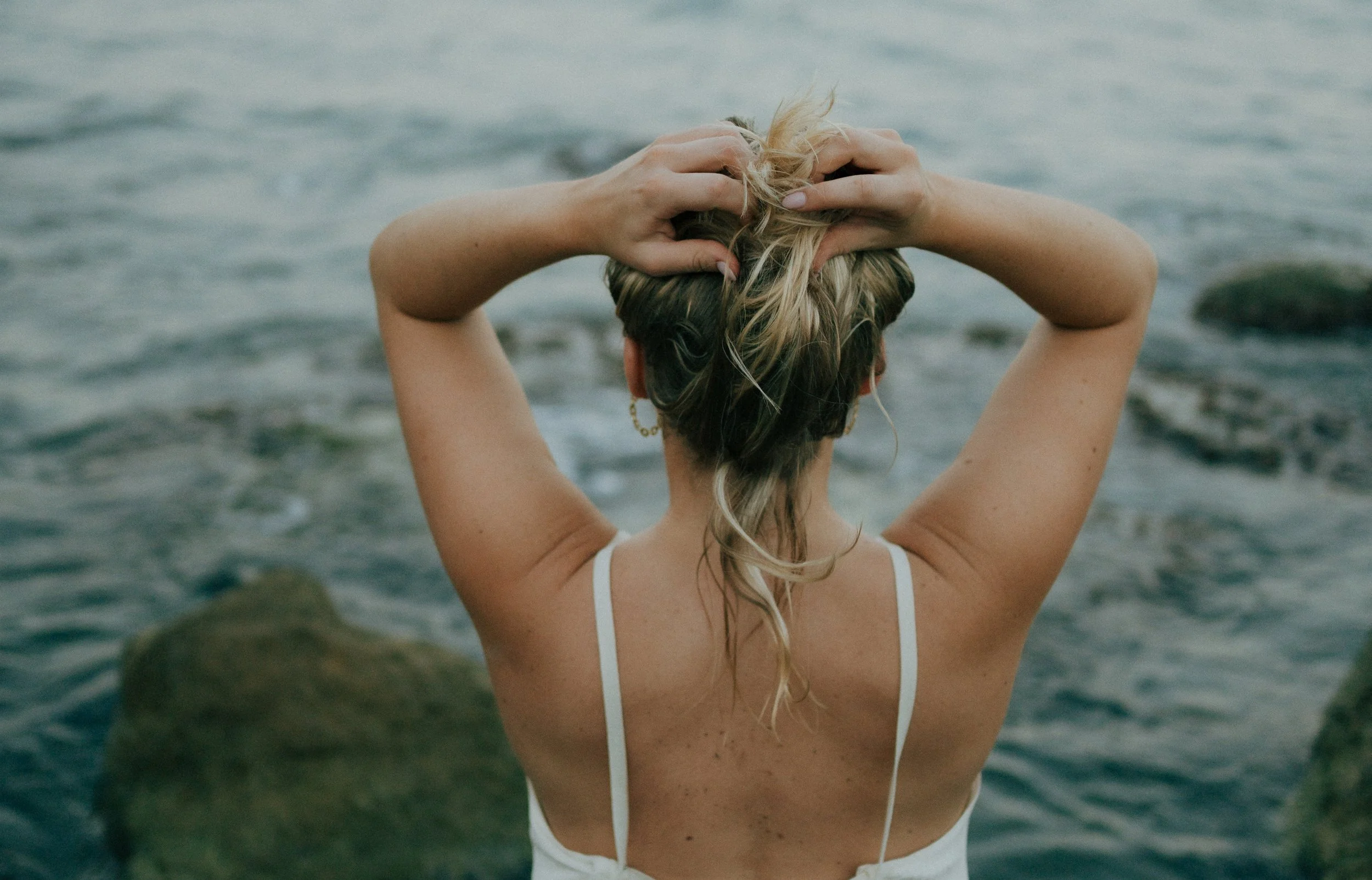
SOFT & EFFORTLESS
Presets made to feel like silk.
Silk Shade was crafted to bring softness, glow, and quiet mood to your photos - without overpowering them.
These presets don’t mask your image - they enhance what’s already there.
Light. Texture. Emotion.
All gently elevated with just one click.
Made for photographers & creators.
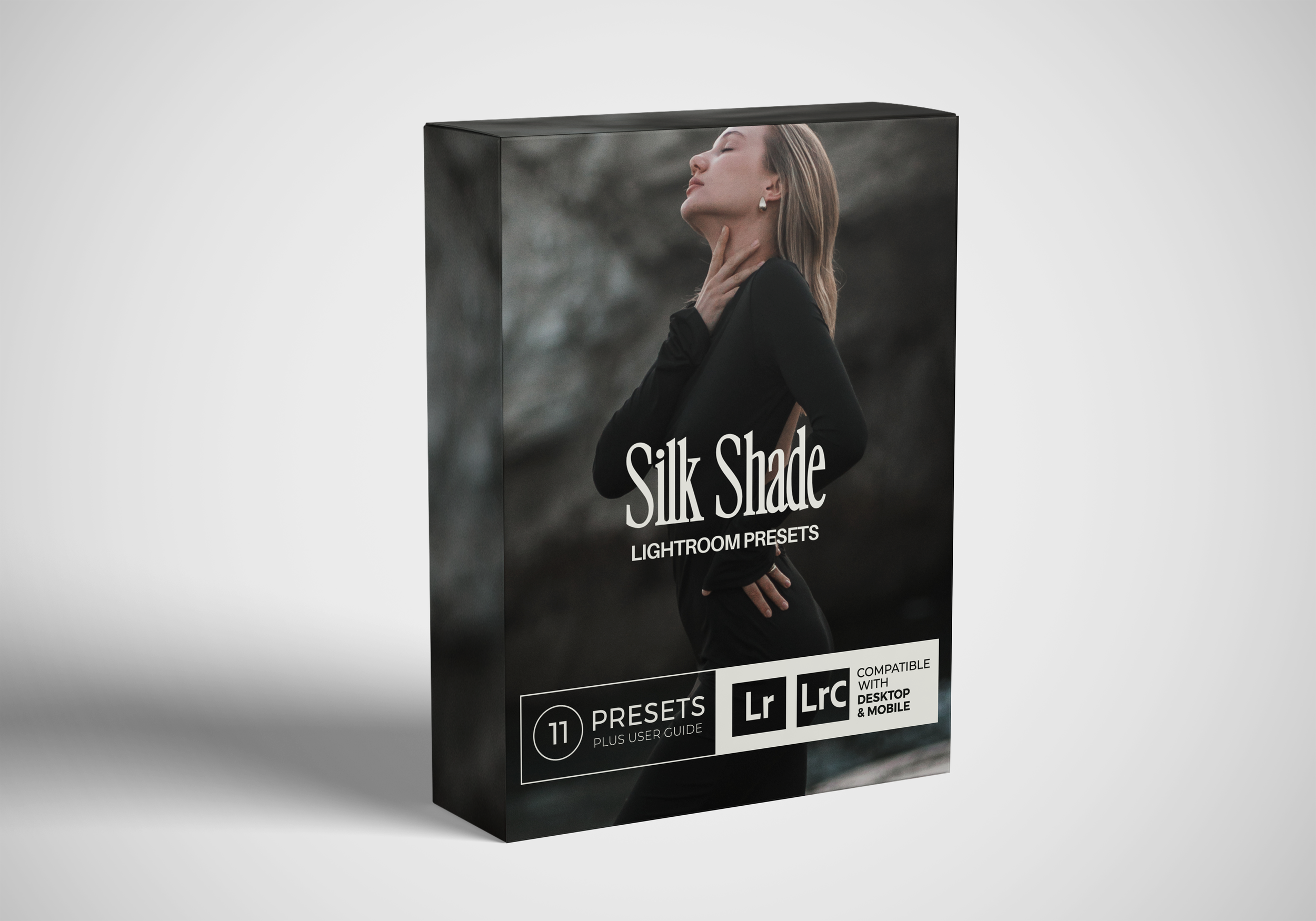
What’s inside?
Files: .xmp (Desktop), .dng (Mobile), PDF install guide
Presets: 7 mains + extras/variants (Total 11 presets)
Compatibility: Lightroom Classic 7.3+, Lightroom (desktop/cloud), Lightroom Mobile iOS/Android
License: Personal use, 1 user, not for resale/sharing
-
These presets will add glow, softness, and character to your photos - without over-editing them. Each one was created to bring a different feeling to your shots: some moody, some warm, some cinematic. They’re designed to help you stay consistent, speed up your workflow, and make your edits feel effortless - especially if you’re just starting out.
Whether you're editing travel photos, portraits, or everyday moments, SilkShade will help you get that polished, soft look in a click (or two). -
They won’t fix bad lighting or weird angles.
Presets aren’t magic wands - if your photo is underexposed, blurry, or heavily tinted, you’ll still need to tweak it. SilkShade is designed to elevate, not rescue.They also won’t make your photos look exactly like mine (and that’s the point).
Your photos should reflect your style, not mine. SilkShade is a base - a visual starting point for you to build your own aesthetic on top of. -
No stress - you’ll get a super simple Installation Guide that walks you through the whole thing step by step.
No experience needed. Just download the free Lightroom app (or desktop version), follow the guide, and you’re set. -
Once your payment goes through, you’ll get an email with a download link.
You can start editing immediately.
Your link is valid for 24 hours, or up to 2 downloads - so make sure to save the files somewhere safe after you grab them. -
Silk Shade comes in three formats:
Mobile – works with the FREE Lightroom Mobile app (iPhone & Android)
Desktop – works with Lightroom Classic (v7.3 and up) + Adobe Camera Raw
Bundle – get both versions, easy.
No paid subscription is needed for mobile - just download the Lightroom app and go.
For desktop, you’ll need an Adobe subscription to install XMP files. -
Your download link allows up to 2 downloads, so you can install the presets on both your phone and your laptop - as long as it’s for personal use.
Heads up:
Sharing presets with others is not allowed (and yes, it's trackable). These presets are meant just for you - please don’t redistribute, resell, or upload them anywhere else. If a link is shared and flagged, it won’t be re-sent. -
Since this is a digital product, all sales are final.
Once the presets are downloaded, they can’t be “returned” - so I can’t offer refunds.That said, I genuinely want you to love them. If something’s not working or you’re unsure how to install or use them, feel free to DM me on Instagram or email me - I’m happy to help make it right.
-
Yes! They totally work on JPGs - especially if you’re editing phone photos.
But just a heads-up: RAW files give you more flexibility, especially when adjusting shadows, highlights, or colors.If you’re shooting on mobile or importing JPGs, you’ll still get beautiful results - just know that the better the photo quality, the better the final look.
✧ Pro tip: If your camera app lets you shoot in RAW (like Lightroom mobile does), try it out - it gives the presets more room to work their magic. -
Absolutely. Whether you're shooting for brands, doing portrait sessions, or creating content - SilkShade presets are licensed for personal and commercial use.
-
Yes!
SilkShade is just the beginning. More packs and seasonal drops are already in the works - follow @iconic.presets on Instagram to stay in the loop. -
Totally. In fact, I encourage it.
Presets are a starting point - once you apply one, feel free to adjust exposure, contrast, white balance, or grain until it feels right for your photo and vibe. -
Please save your download files somewhere safe (Google Drive, iCloud, Dropbox, etc).
Each purchase includes 2 downloads - once those are used or the link expires, a new link won’t be re-sent unless there's a technical issue right after purchase.